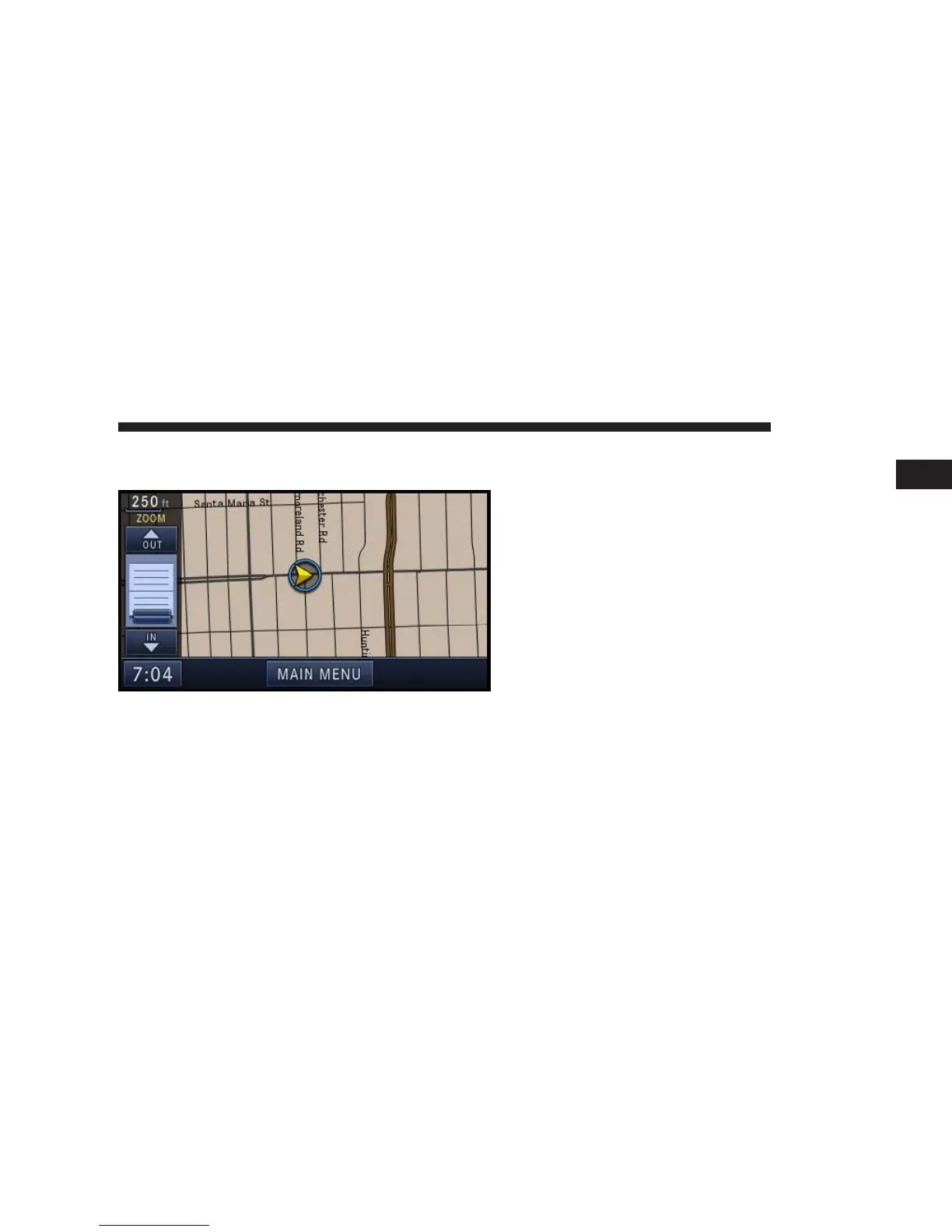
Map Zoom Level
Press the Zoom soft-key to change the zoom level.
Touch the slider or the IN and OUT soft-keys to change
the zoom level.
Map Orientation
Touch the soft-key with the compass arrow to toggle
between a map oriented to the North, or oriented parallel
to the vehicle heading.
3D Map Viewer
Touch the soft-key with the 2D/3D symbol to toggle
between 2D or 3D map views.
NAVIGATION 163
1



 To Next Page