Channel vs. Preset List Selection
Select this feature to allow regular presets as supposed to
Sirius Satellite Radio channel list.
Re-Subscribe to Sirius Satellite Radio
New vehicle purchasers or lessees will receive a free
one-year subscription to Sirius Satellite Radio and Traffic
Services with your navigation radio. Following expira-
tion of the one-year free services, it will be necessary to
access the information on the Subscription Information
screen in order to re-subscribe.
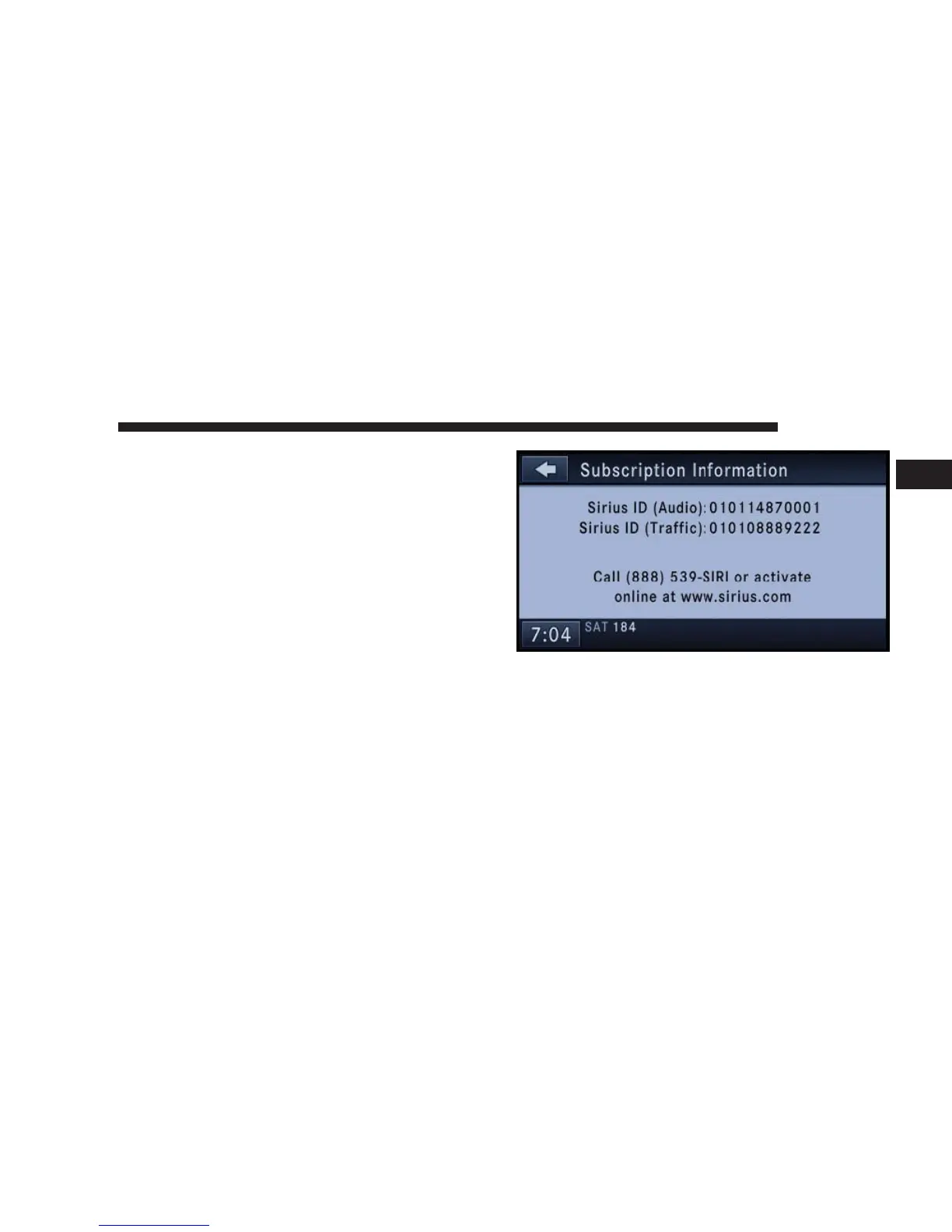
Touch the Subscription soft-key to access the Subscrip-
tion Information screen.
Write down the SIRIUS ID numbers for your receiver. To
reactivate your service either call the number listed on
the screen or visit the provider online.
Display Settings
Press the MENU hard-key and touch the Display Setting
soft-key to access the Display Settings menu.
NAVIGATION 33
1



 To Next Page