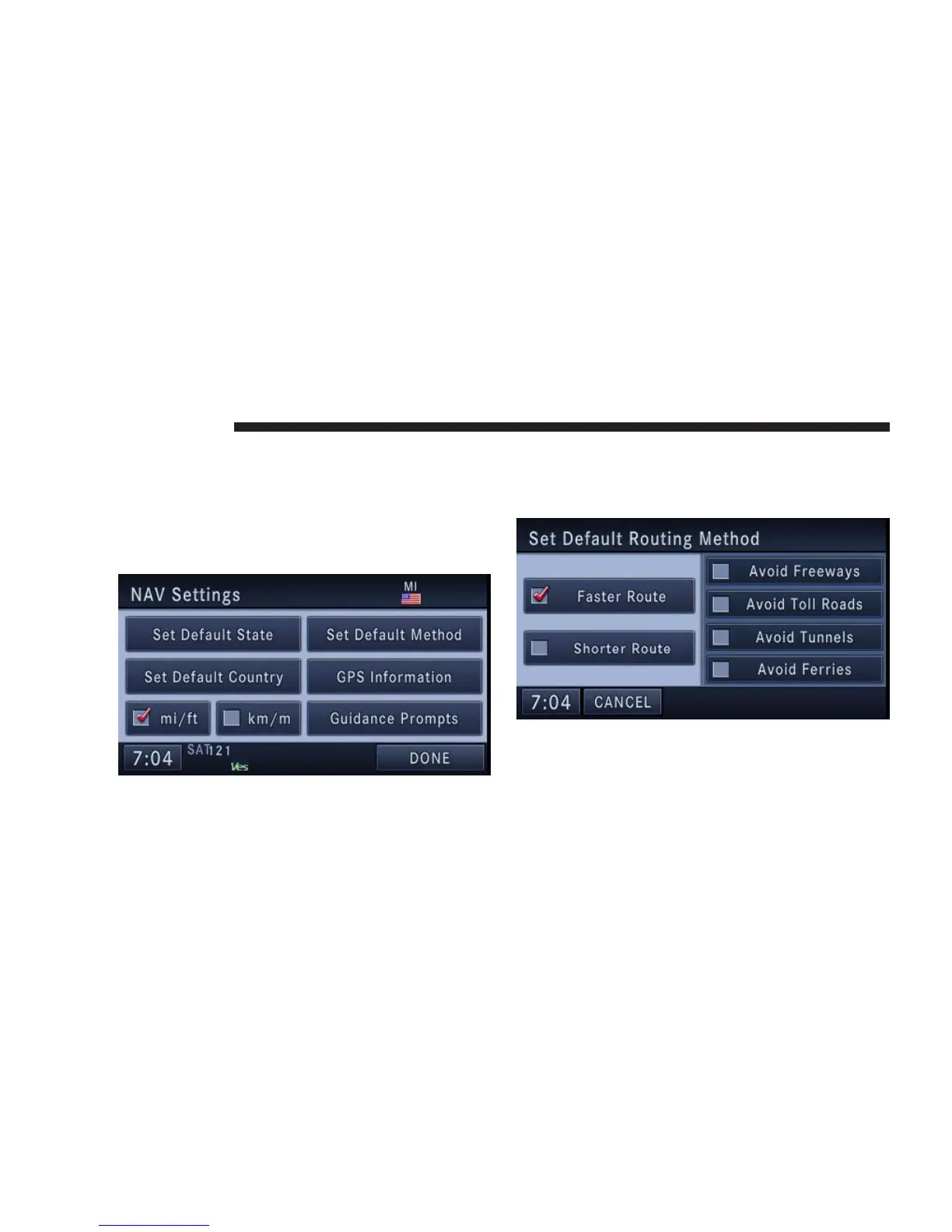
Navigation Default Settings
Touch the NAV Settings soft-key in the Navigation Main
Menu to select the preferred measurement, set default
routing method, view GPS information, and adjust guid-
ance prompt volume.
Set Measurement Metric/US
From the Navigation Main Menu touch NAV Settings
and then select either mi/ft or km/m.
Set Default Routing Method
Mark or unmark route parameters and then touch the
SAVE soft-key to confirm the changes. Press the NAV
hard-key to cancel without change.
160 NAVIGATION



 To Next Page