Use Address Book and Saved Locations are previously
saved addresses or locations. Review the Address Book
section in this manual to learn more about the address
book.
Destination Input by Street Address
For this example we will continue by entering the follow-
ing address 2101 CONSTITUTION AVE NW, WASHING-
TON D.C., DC 20037, U.S.A.
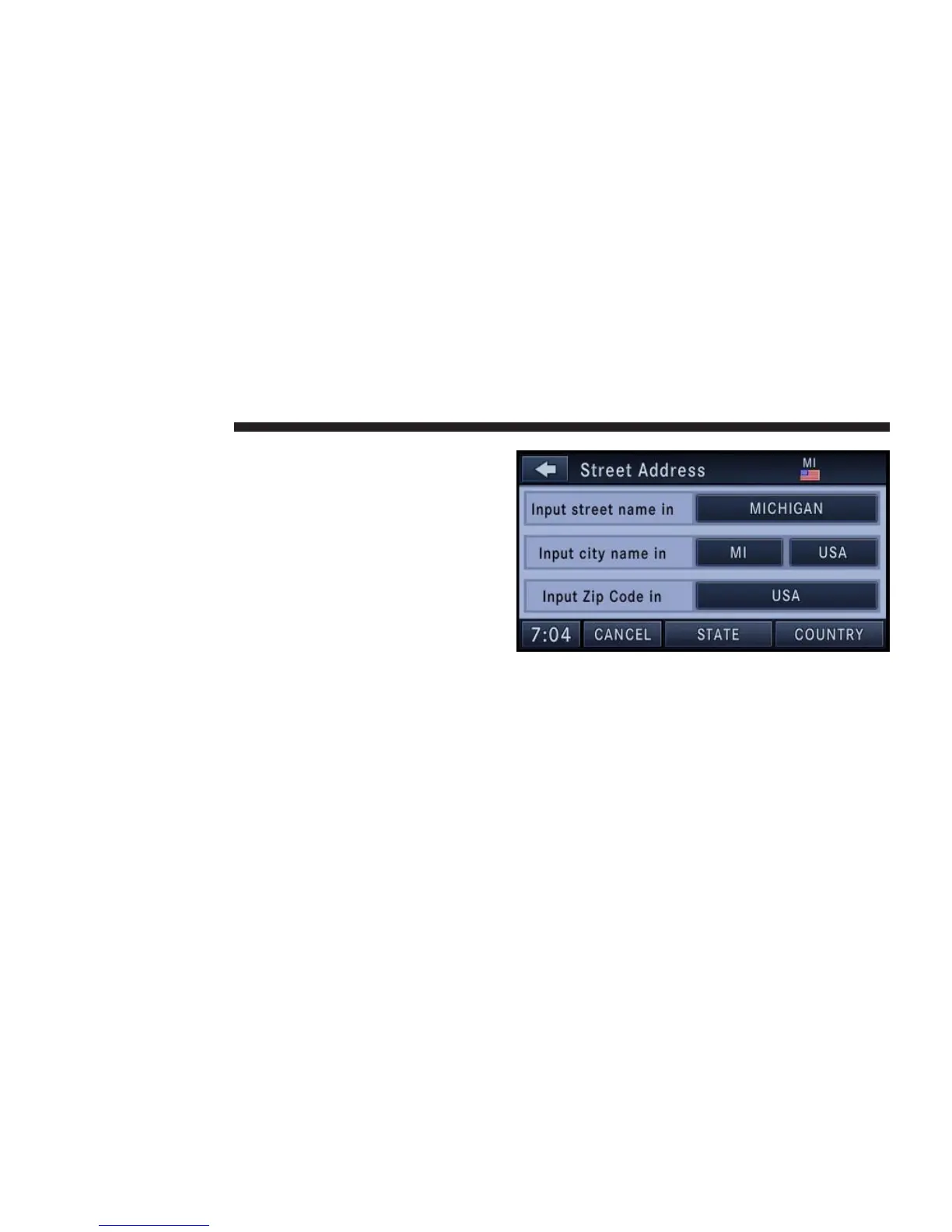
1. Touch the Street Address soft-key to get to the Street
Address menu.
This menu shows the default country and state settings.
Changing State/Province and/or Country
If your destination is not in the displayed state and/or
country either enter a city name, by touching the USA
soft-key in the second row, or the ZIP code (if known), by
touching the USA soft-key in the third row of the screen.
128 NAVIGATION



 To Next Page