Disc Skipping
Skipping is typically caused by a damaged (scratched)
disc. This will result in a 10 second jump forward until
the damaged area is passed.
Temperature Protection
If the temperature of the disc reader during operation
becomes too high, a popup message will inform the user
of an over temperature situation. The unit switches to
radio mode until the disc reader temperature has
dropped to a normal level.
Jukebox Mode (JB)
Overview
The jukebox can contain 12 favorite playlists of songs that
reside on the internal hard disk drive.
The total capacity of the hard disk drive for music is
about 6 gigabytes.
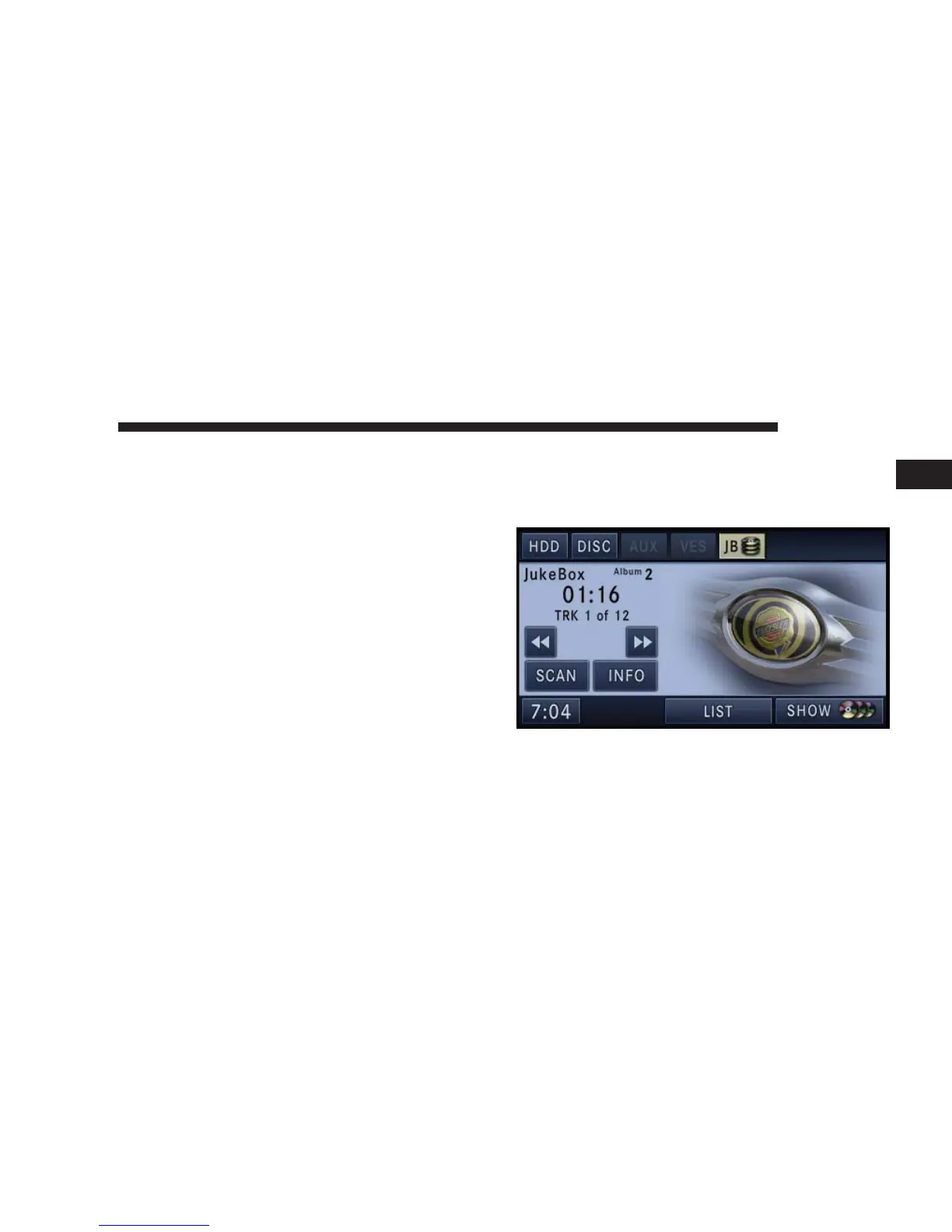
Selecting Jukebox Mode (JB)
Press the RADIO/MEDIA hard-key repeatedly until the
Jukebox tab is shown on the screen. Touch the JB soft-key
to access the Jukebox.
Touch the Jukebox Tab to activate the Jukebox mode.
NAVIGATION 45
1



 To Next Page