Touch the SAMPLE VOL soft-key to listen to the current
volume setting.
Once satisfied with the volume, touch the SAVE soft-key
to save the settings. Touch the CANCEL soft-key to exit
the menu without saving the settings.
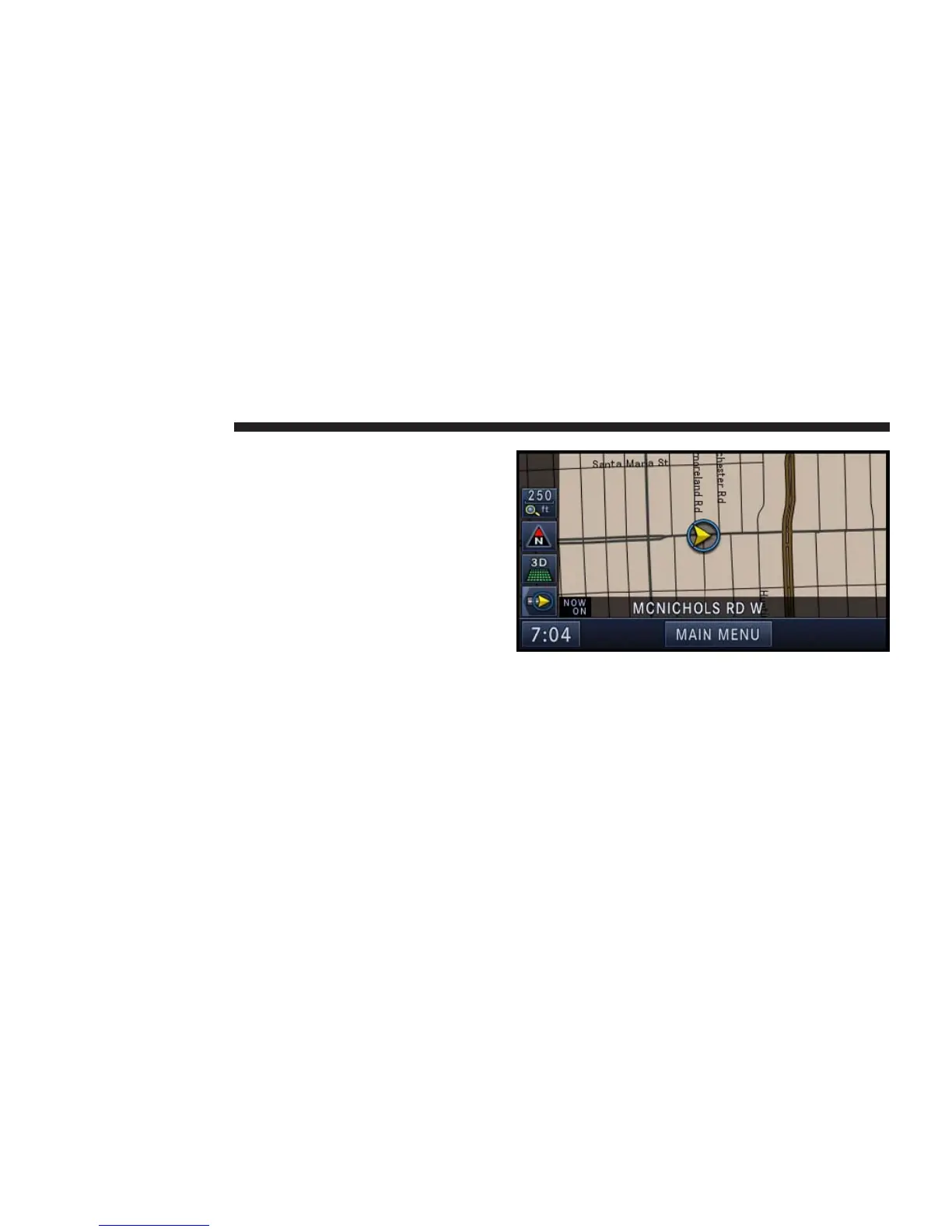
Map Viewer
Press the NAV hard-key to switch to the navigation
MAIN MENU.
Press the NAV hard-key again to toggle between naviga-
tion MAIN MENU and navigation MAP.
The tip of the arrow in the circle in the center shows your
vehicle’s position on the map. The square soft-keys on
the left show the map zoom factor, the map orientation,
the display mode, and the current location soft-key.
162 NAVIGATION



 To Next Page