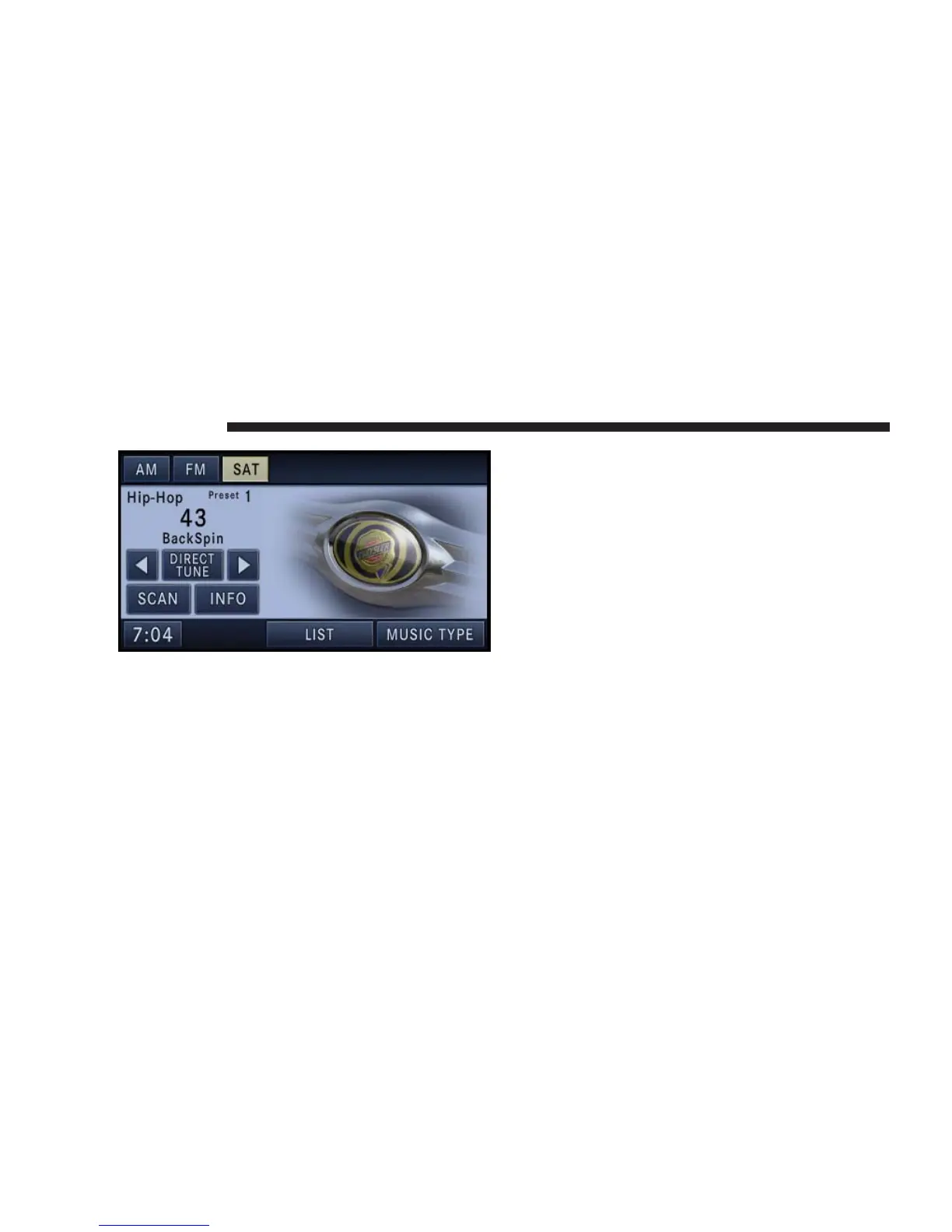
Station Presets
There are 12 station presets available for storing the radio
stations in each tuner range.
In order to store the desired station, touch one of the
station preset soft-keys for 4 seconds. You will also see
the radio station stored in the highlighted soft-key, and
you will hear a confirmation beep when the station is
saved.
Change a Channel or Frequency
Press the SEEK up or the SEEK down hard-key to play
the next available station or channel.
Select DIRECT TUNE to enter a frequency or a channel
number, and confirm your selection by pressing the GO
soft-key.
Touch the arrows to the left and right of the DIRECT
TUNE soft-key to step manually through the frequency
or channel roster.
Select SCAN for a five second preview of each listenable
station in the frequency band. Touch the SCAN soft-key
again to stop the scan function and to select a radio
station.
30 NAVIGATION



 To Next Page