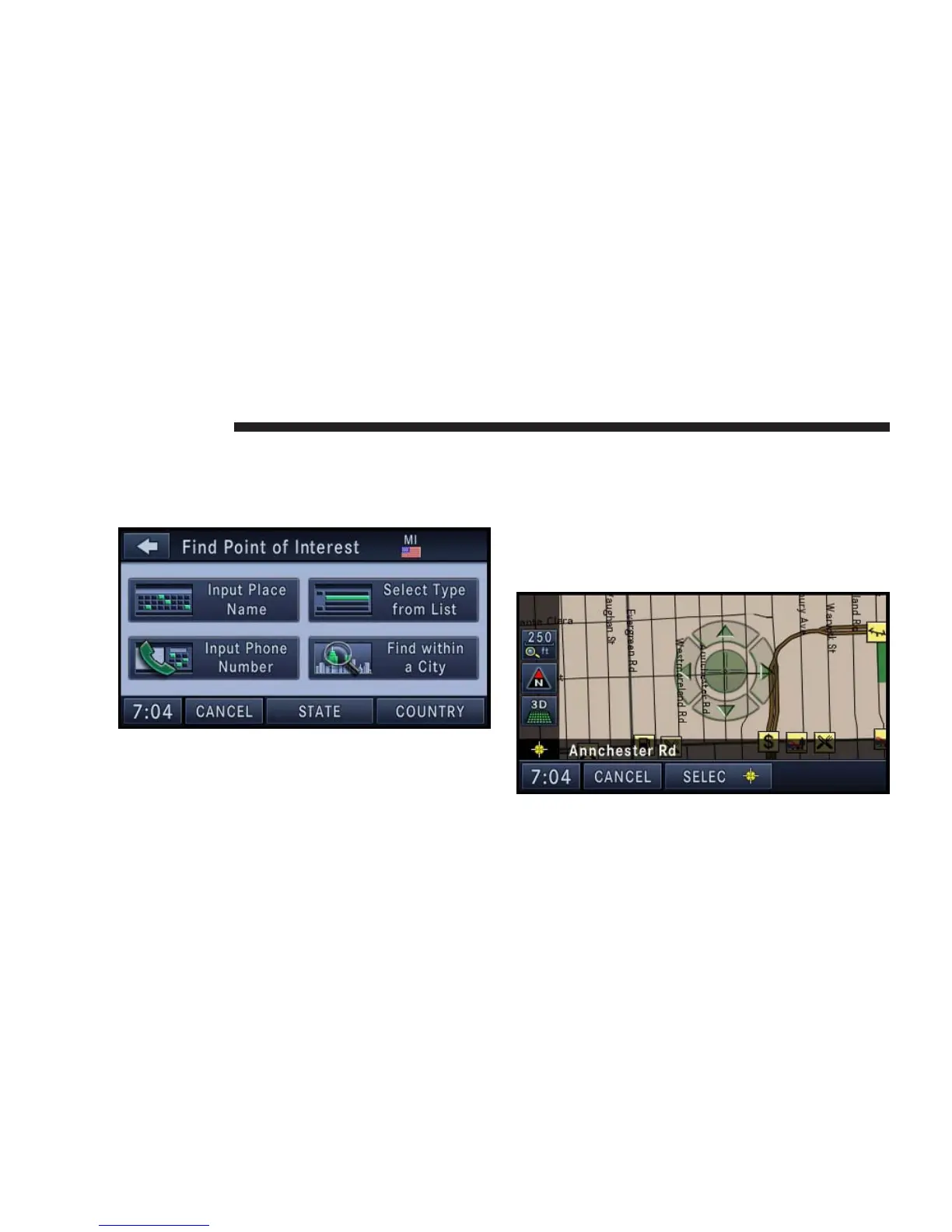
POI in Map Area
To select a POI from anywhere on the navigation data-
base map area, select Point of Interest in the Destination
Entry screen.
You can find POI’s by the POI name, by type, by the
phone number, or by entering a city name.
Destination Input by Point on Map
This feature allows quick and easy selection of a destina-
tion directly from the map screen. By selecting a street
segment or POI icon, you can quickly enter a destination
without the need to input the city name or street.
1. Touch the MAP soft-key in the NAV - Main Menu to
access the map.
138 NAVIGATION



 To Next Page