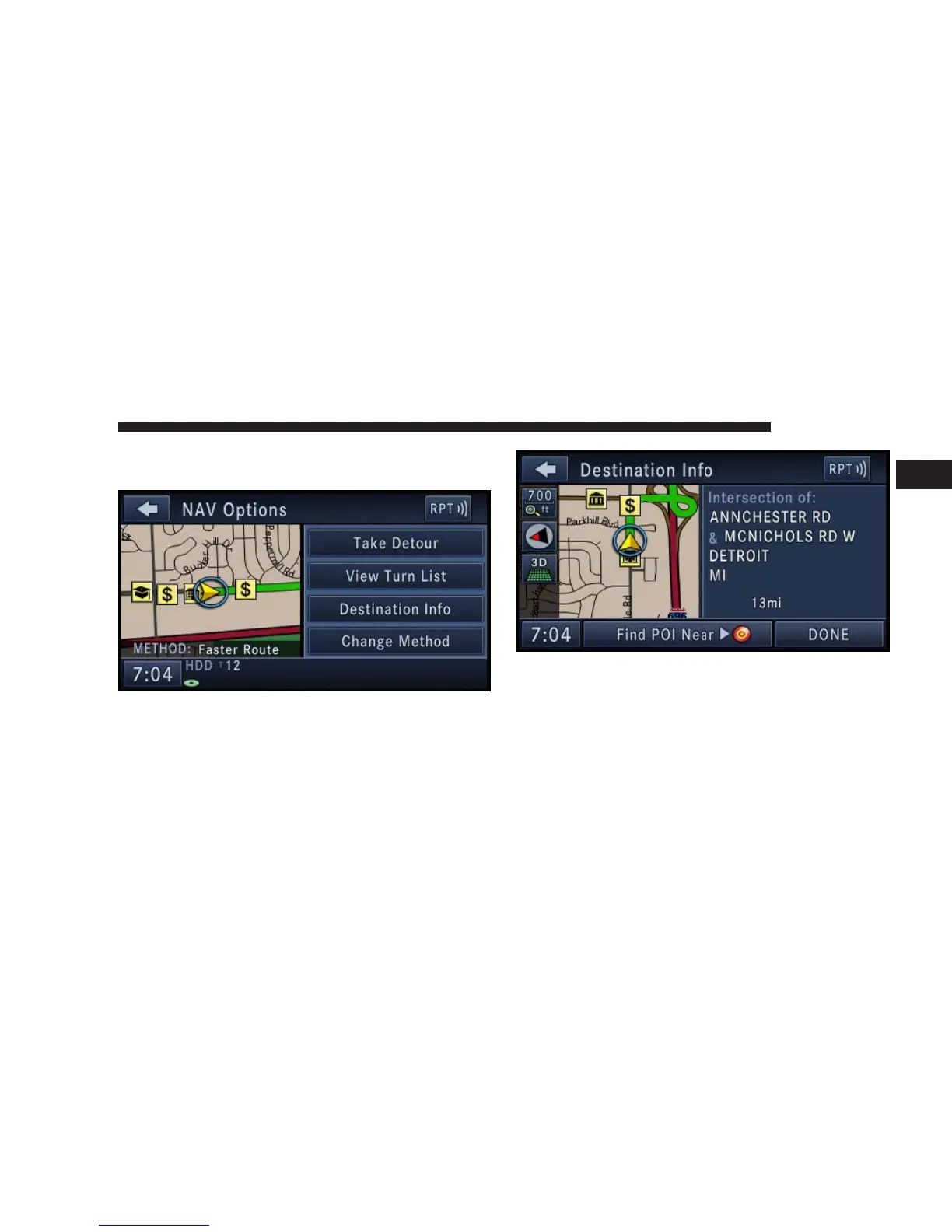
1. While the system is in guidance mode, touch the
OPTIONS soft-key.
2. Touch the Destination Info soft-key to select the des-
tination info menu.
3. Touch the Find POI Near destination soft-key and
select a category, pick a gas station from the list and
confirm the destination. This is the same process as
described in the POI Local Area section.
NAVIGATION 137
1



 To Next Page