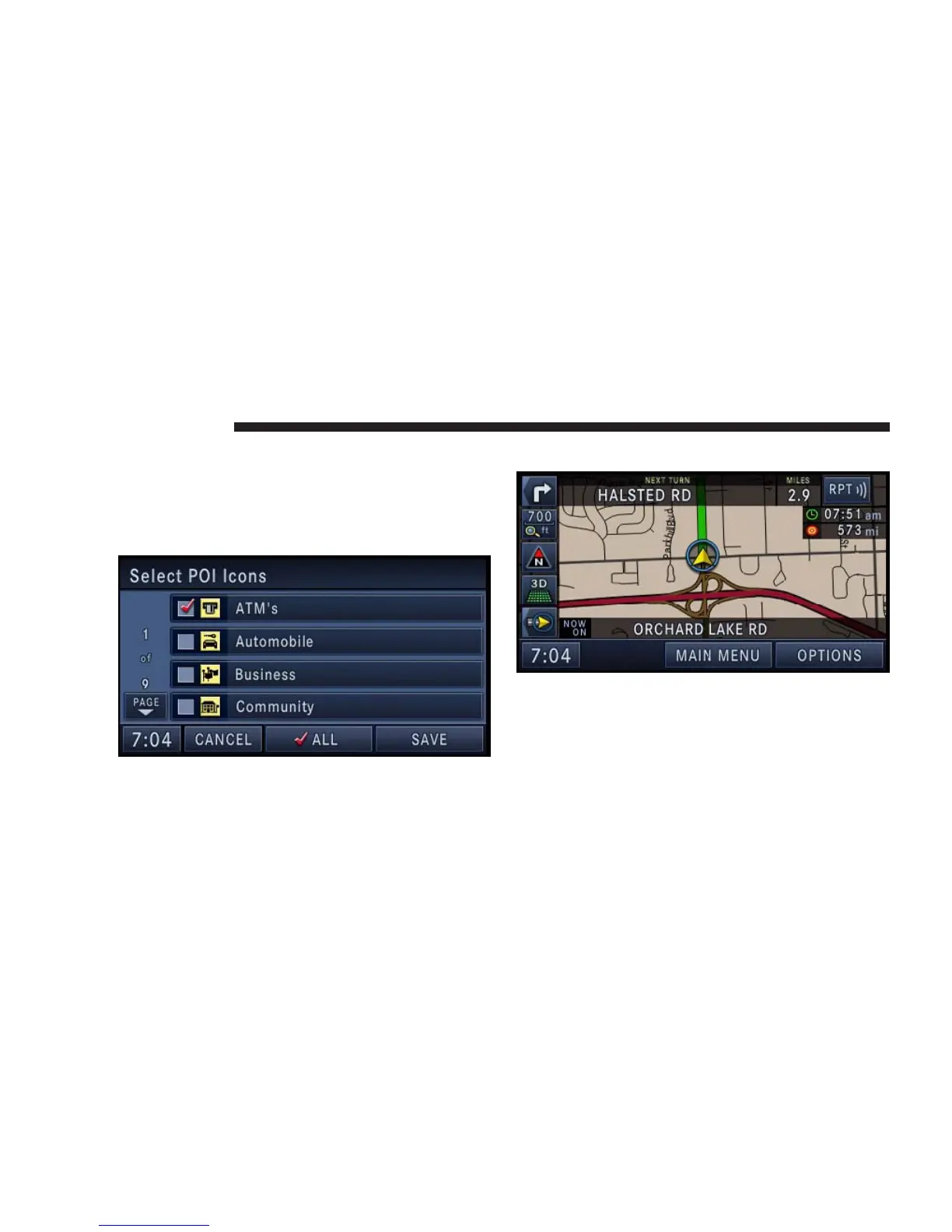
POI Icons on the Map
The navigation radio is able to display available point of
interests on the map.
Touch the Select POI Icons soft-key to show a list of point
of interest icons.
Touch the icon soft-key to show or hide an icon on the
map.
Repeat Navigation Announcement
Touch the RPT soft-key in the upper right corner of the
navigation screen to hear the current navigation an-
nouncement.
Automatic Re-Routing
If you miss a turn while navigating, the navigation radio
will automatically adjust your route.
150 NAVIGATION



 To Next Page