The trail recording is now saved in the Saved Locations
Memory. The Saved Locations Memory, is accessible in
the Destination Entry menu.
Route Guidance
After starting route guidance, the system calculates the
route and announces: “Follow the arrows on the display.”
You will receive navigation recommendations by voice
messages and screen displays.
Navigation View Settings
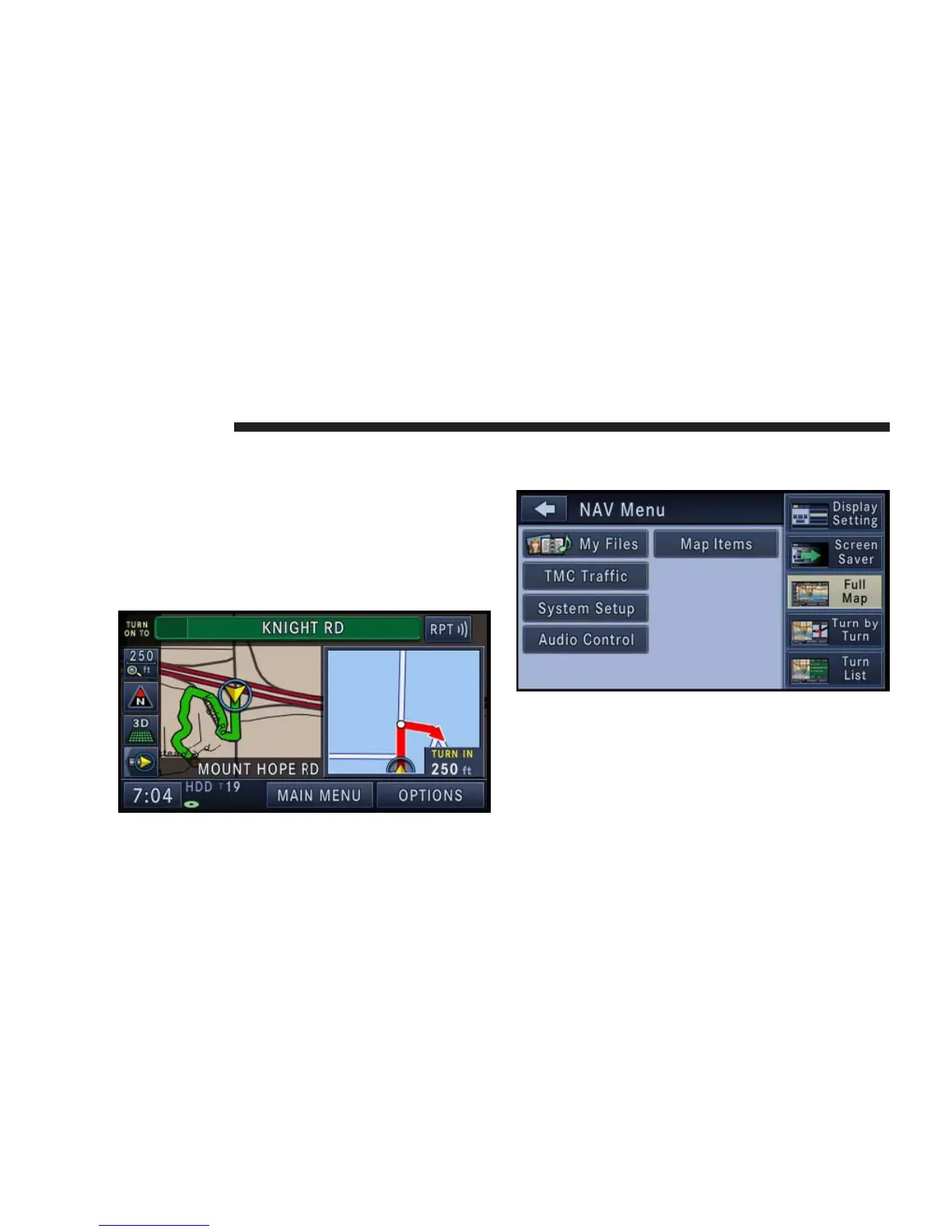
Press the MENU hard-key to select the NAV Menu.
Touch the Full Map soft-key to display a full map during
route guidance.
Touch the Turn by Turn soft-key to display turn arrows
and intersection zooms on the right half of the screen.
148 NAVIGATION



 To Next Page