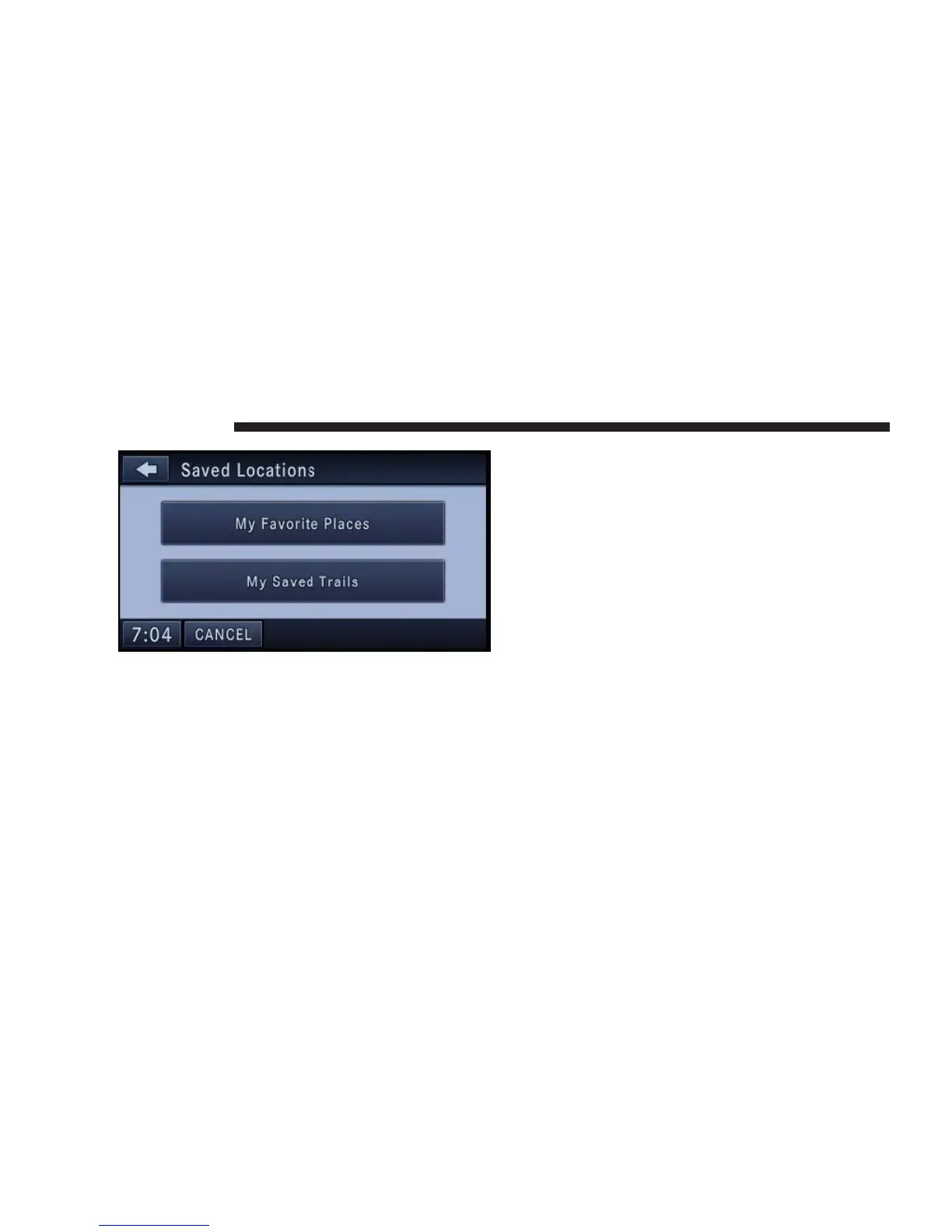
Touch the My Favorite Places soft-key to display a list of
saved entries.
Touch the My Saved Trails soft-key to display a list of
saved trail recordings.
Destination Input by Voice – If Equipped
Read the section Speech Dialogue System for details on
the SDS.
1. Press the voice recognition hard-key (VR). Wait for the
beep and say NAVIGATION.
The navigation radio will respond, saying: “Navigation.”
The navigation radio has switched to the navigation
mode and is now ready to receive navigation-related
voice commands. For this example, the default country is
set to the US and the default state is set to Michigan.
2. Press the VR hard-key, wait for the beep. Say INPUT
STREET.
The radio will respond: “for Michigan. Please say the
name of the street.”
3. Wait for the beep and say, LOLLY POP STREET
(example).
The radio will respond: “Do you mean Lolly Pop Street?”
4. Wait for the beep and say YES.
142 NAVIGATION



 To Next Page