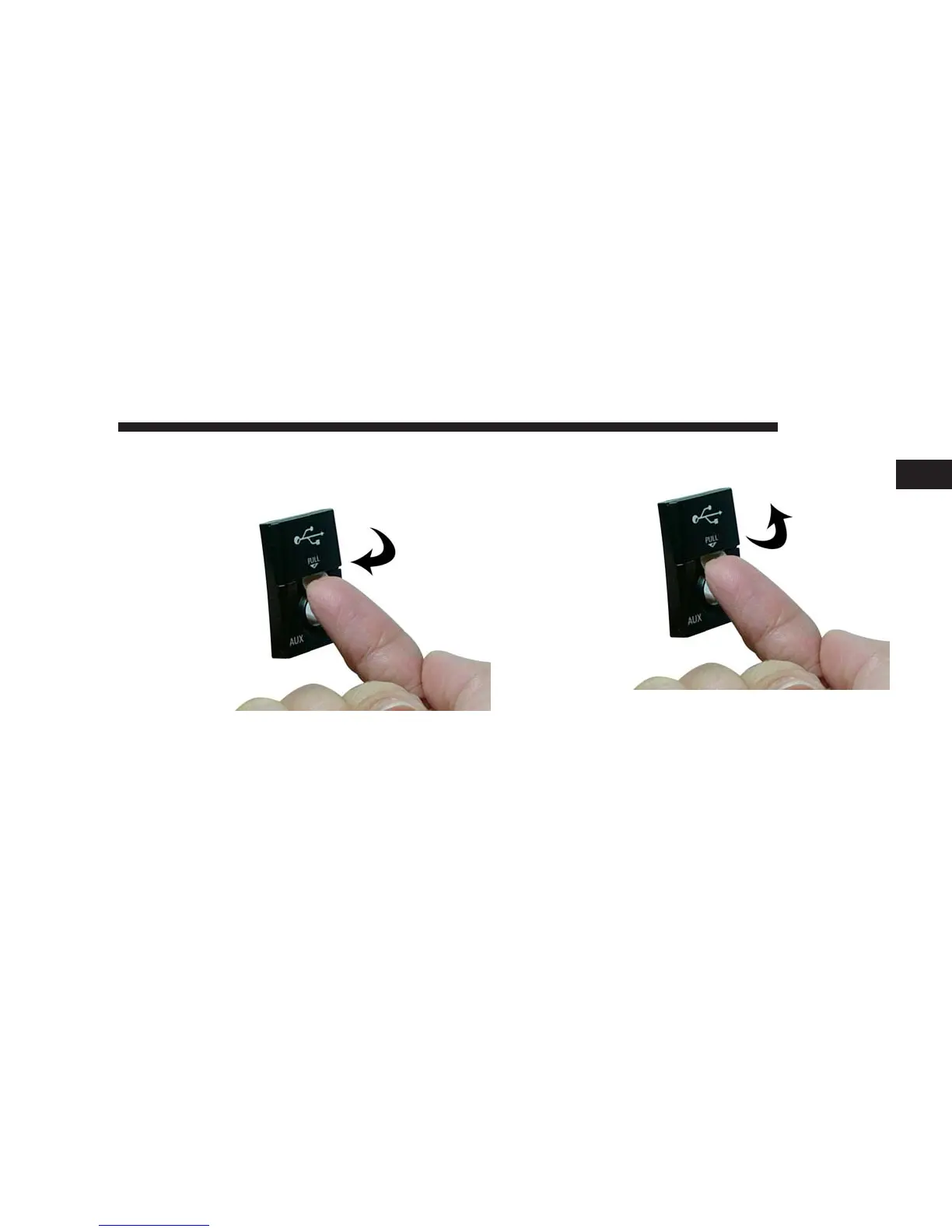
How to Open the Cover
1. Place finger under the pull arrow.
2. Pull forward.
NOTE: The flap is attached and should not be removed!
Do not pull off of the frame. Do not use a tool (e.g. screw
driver, nail file, etc.) to open the flap, as this could cause
damage to the face of the radio.
NAVIGATION 85
1



 To Next Page