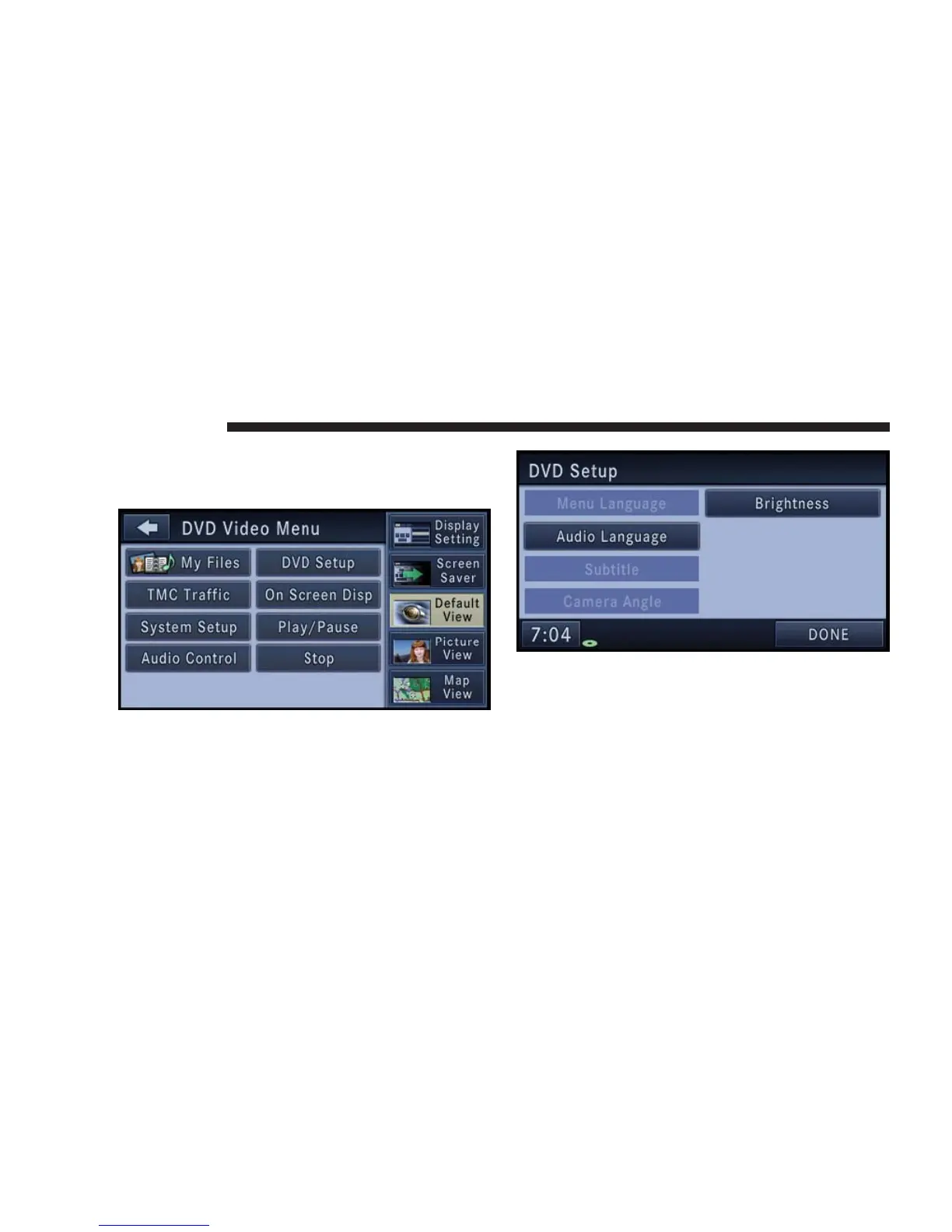
DVD Video Menu
While in disc mode with inserted video DVD, press the
MENU hard-key to access the DVD Video Menu.
Touch the DVD Setup soft-key to access the DVD Setup
menu.
In the DVD Setup menu you may select Menu Language,
Audio Language, Subtitle, Camera Angle, Aspect Ratio,
and Brightness settings by pressing the corresponding
soft-key. Some of the soft-keys are disabled, if the in-
serted disc does not support the functionality.
44 NAVIGATION



 To Next Page