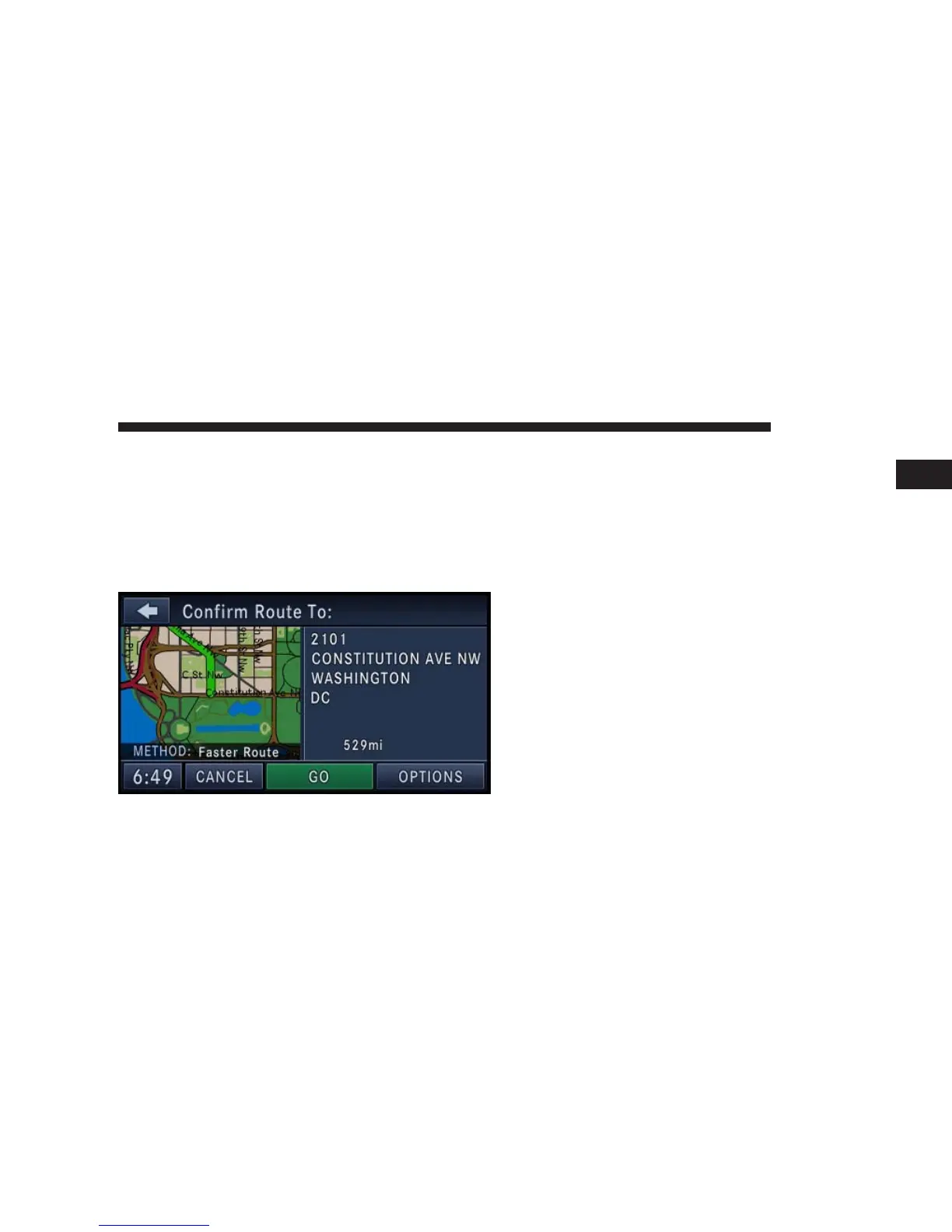
5. In this example we have entered 2101 as the house
number. Touch the CONTINUE soft-key to get to the
Confirm Route screen.
If you touch the CONTINUE soft-key without entering a
number, the navigation system will guide you to a
section of the entered street which is the closest to your
current location.
In the Confirm Route screen the navigation radio dis-
plays the complete address, a map of the destination
area, and the current routing method for you to verify.
NOTE: If the displayed address is not the desired
address, you can either touch the BACK soft-key in the
upper left corner of the screen to step back to the
previous screens, press the NAV hard-key to start over
from the NAV - Main Menu, or touch CANCEL to cancel
the destination input.
6. Touch the GO soft-key to activate the route guidance.
To read more about the OPTIONS soft-key in this menu,
see the NAV Options section of this manual.
Destination Input by Intersection
For this example we will continue by entering the follow-
ing intersection: Kaufman Ln and Bridwell Dr, in Louis-
ville, Kentucky.
NAVIGATION 131
1



 To Next Page