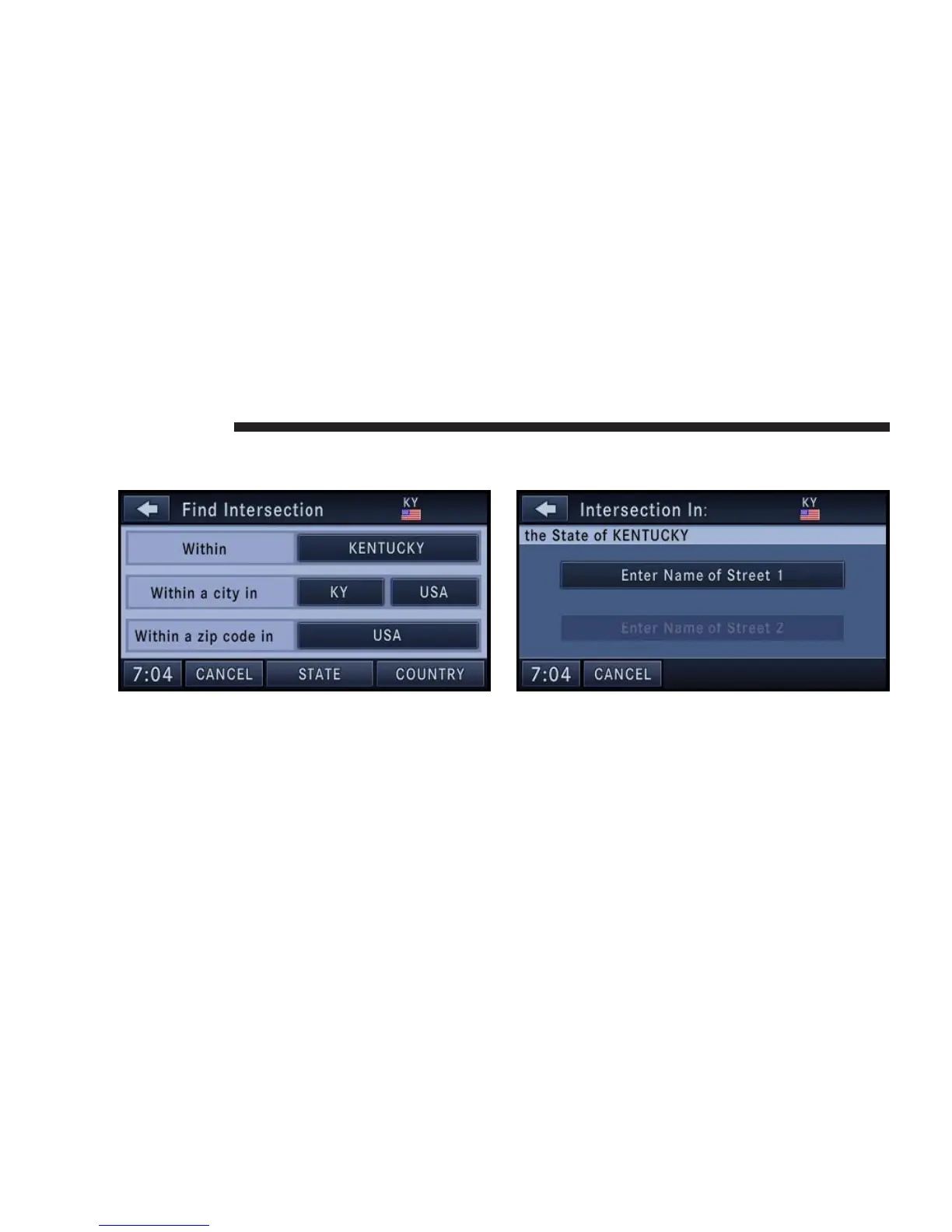
1. From the Destination Entry menu touch the Intersec-
tion soft-key to get to the Find Intersection menu.
NOTE: If Kentucky is not your default state refer to the
change state/province and/or country section to learn
how to change state/province and/or country).
It is possible to select the intersection within the whole
country, a city, or a ZIP code area.
2. For this example touch the Within KENTUCKY soft-
key.
3. Touch the Enter Name of Street 1 soft-key to enter the
first street.
4. Enter “Kaufman Ln” into the speller and confirm the
name.
132 NAVIGATION



 To Next Page