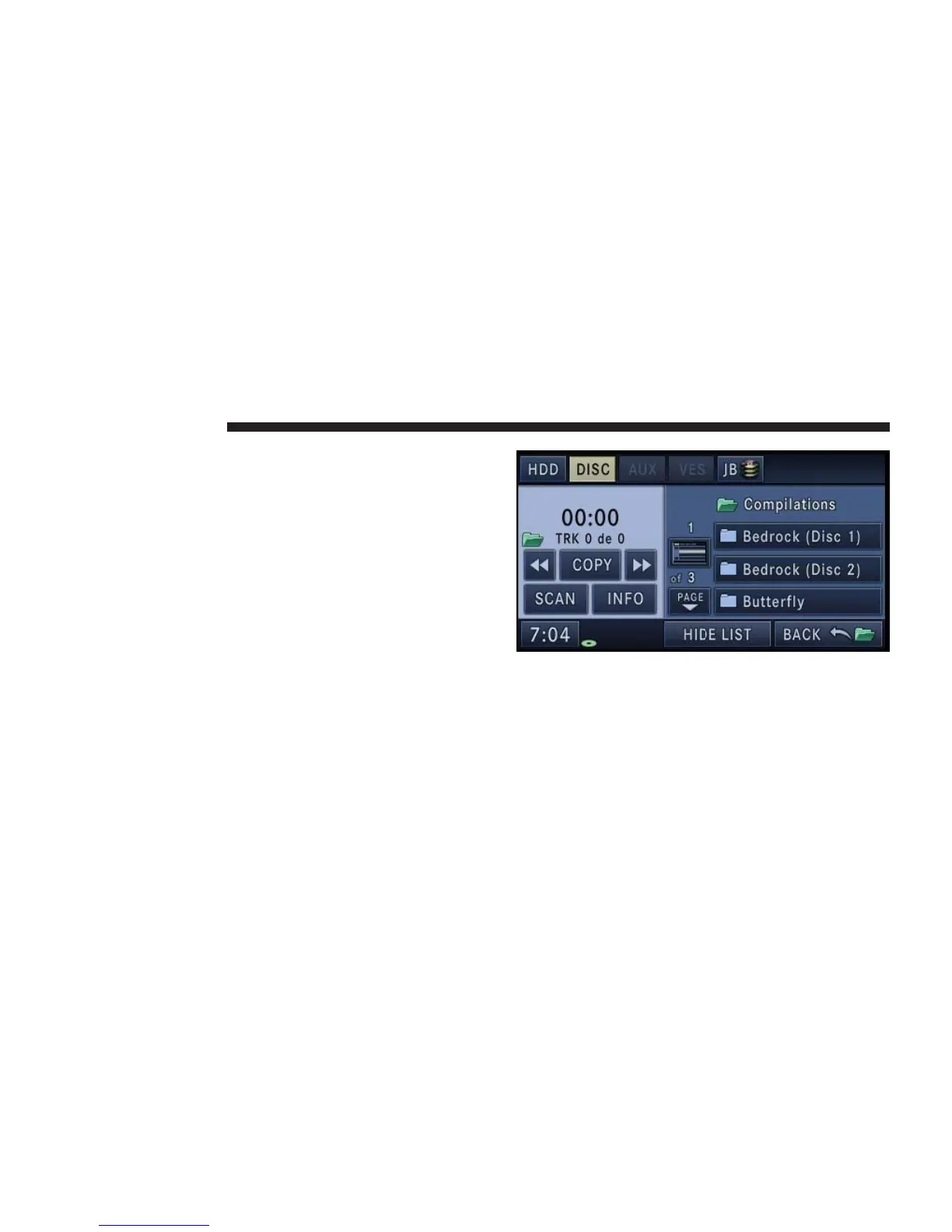
Playing a MP3/WMA Disc
1. Press the OPEN/CLOSE hard-key once.
2. With the printed side upwards, insert the disc into the
disc slot of the radio. The radio pulls the disc automati-
cally and closes the flip screen. The radio selects the
appropriate mode after the disc is recognized, and starts
playing the first track. The display shows “Reading...”
during this process.
A MP3/WMA disc may contain audio files in a folder
structure. The folder, if any, are shown in the list view.
40 NAVIGATION



 To Next Page