Touch the Turn List soft-key to display a list of upcoming
turns on the right half of the screen.
Map Items
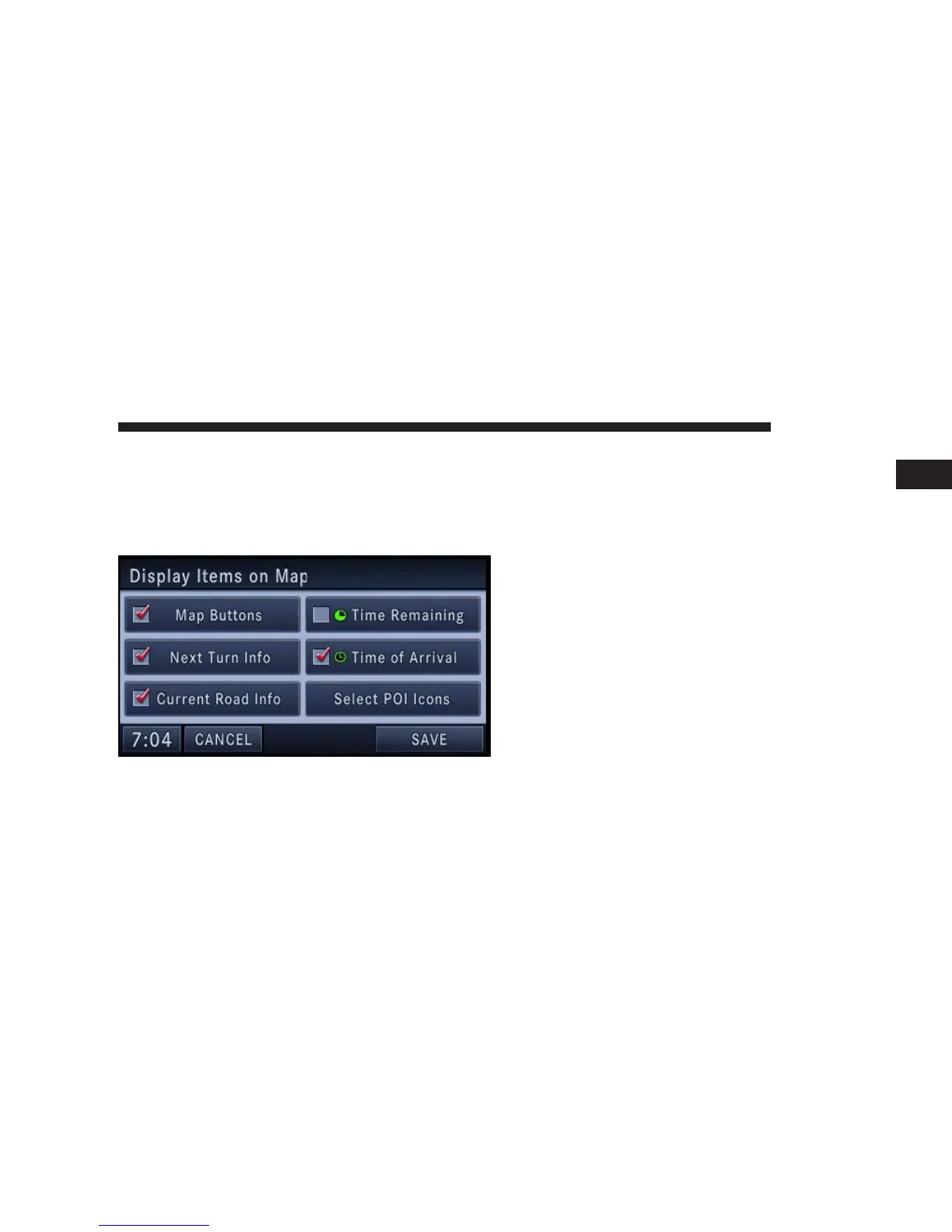
Press the Map Items soft-key in the NAV Menu to access
the Display Items on Map menu.
•
Touch the Map Buttons soft-key to show or hide the
Zoom, Map Heading, and the 2D/3D View soft-key.
•
Touch the Next Turn Info soft-key to show or hide the
next turn soft-key and the next turn information bar.
•
Touch the Current Road Info soft-key to show or hide
the NOW ON soft-key and the current road informa-
tion bar.
•
Touch the Time Remaining soft-key to show or hide
the estimated time remaining until you reach your
destination.
•
Touch the Time of Arrival soft-key to show or hide the
estimated time of arrival at your destination.
Touch the SAVE soft-key to save your changes.
NAVIGATION 149
1



 To Next Page