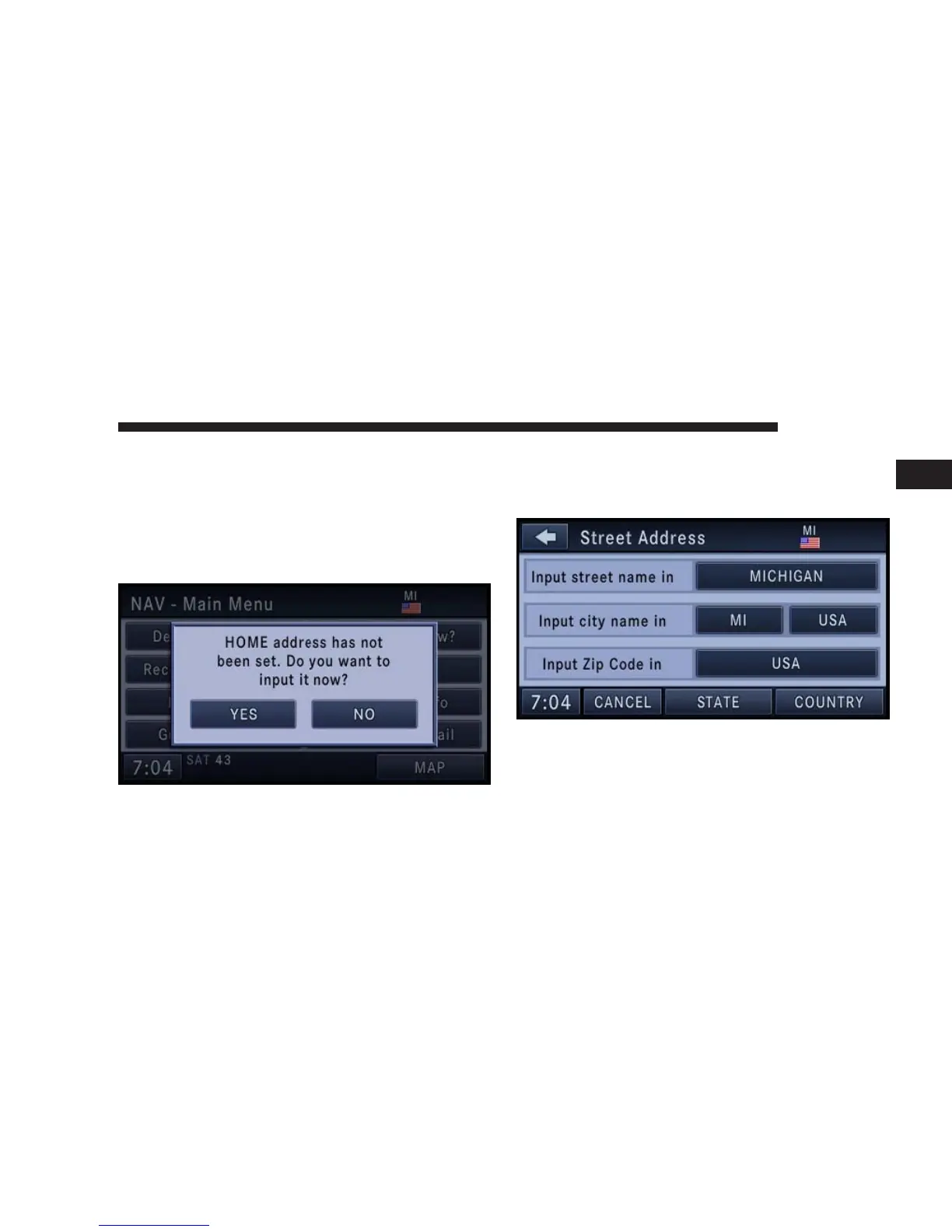
Enter Home Address
1. Press the NAV hard-key on the right side of the radio.
If the radio does not display the NAV - Main Menu, press
the NAV hard-key again.
2. Touch the Guide Me Home soft-key to enter your
home address.
If no home address has been set, touch YES to access the
Enter Home Address menu.
3. Touch Street Address to enter your address.
4. Touch the soft-key with your state’s name and enter
your street name into the speller.
NAVIGATION 27
1



 To Next Page