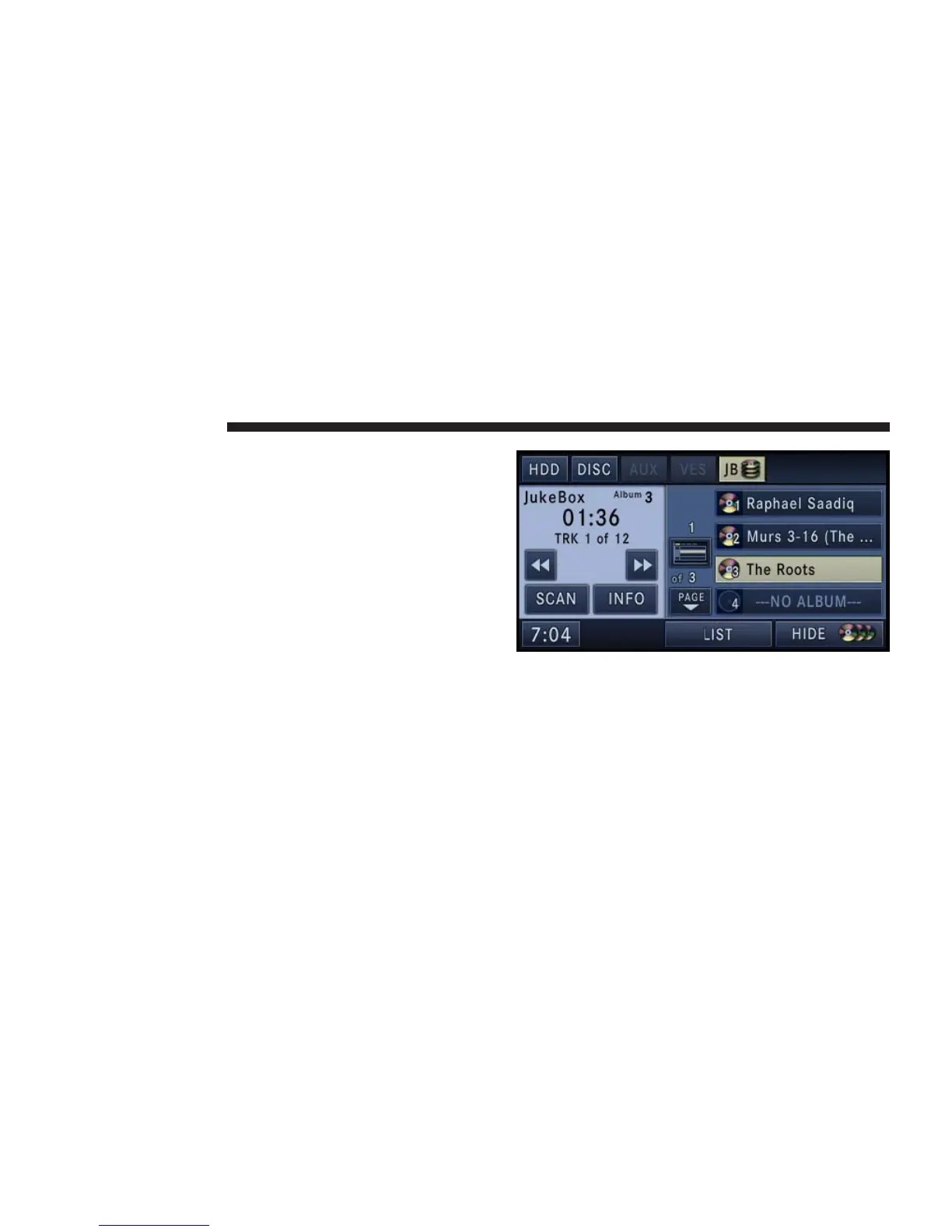
Fill a Jukebox Album from Audio Disc
1. Touch the SHOW DISC soft-key to display a list of
available albums.
NOTE: You cannot fill a Jukebox Album using a disc
with MP3 and WMA files. To do this you must first copy
the files to the HDD. Refer to the HDD mode in this
manual.
NOTE: When you open the Jukebox for the very first
time, a popup menu gives you the option to fill the
Jukebox.
2. Select an album slot by touching the corresponding
---NO ALBUM--- soft-key.
46 NAVIGATION



 To Next Page