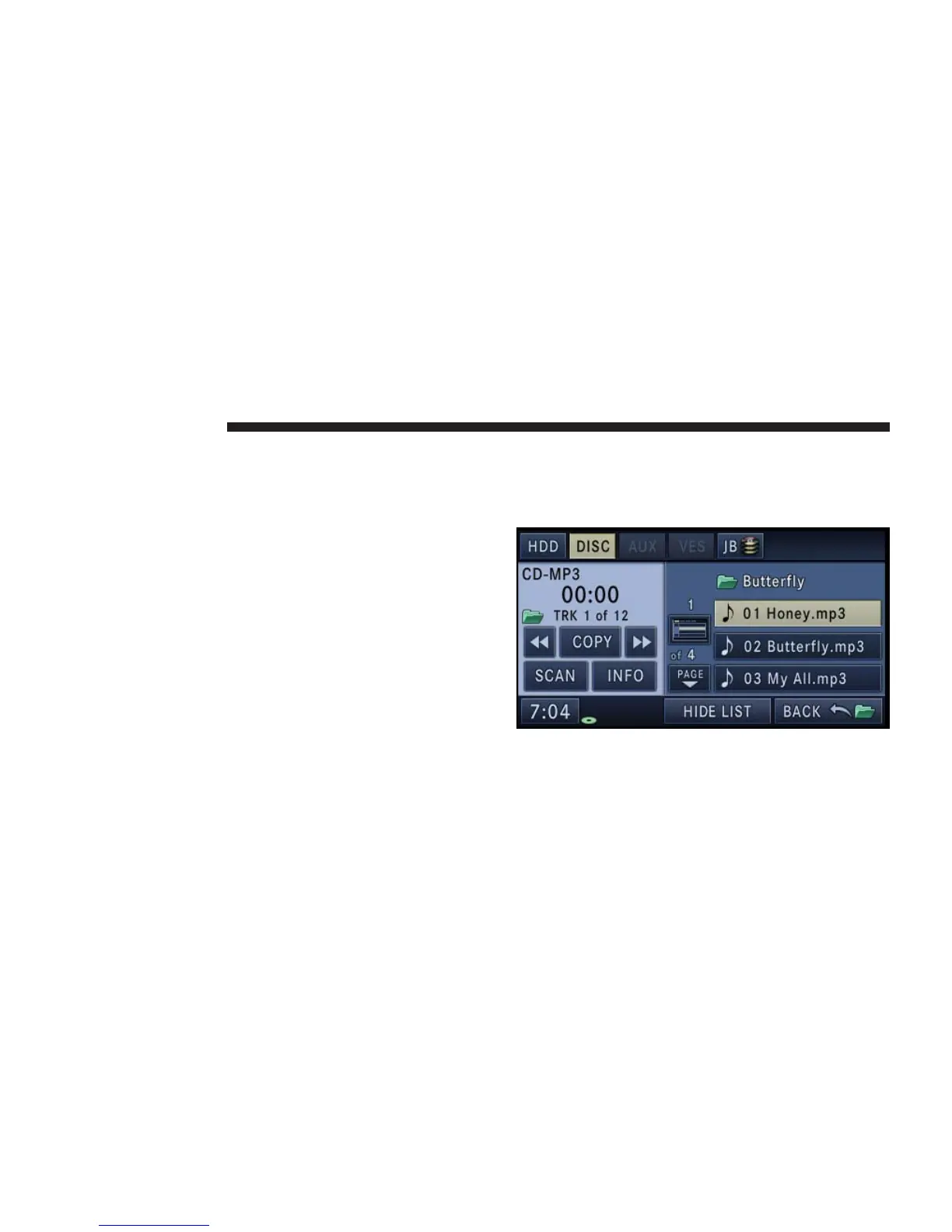
Songs located in the root level (top level) of the disc or
USB device are saved in a playlist named Root_Level-
_Songs.
Once the songs are copied, the playlist will be named by
the originating folder name.
For the example above the list on the HDD will show the
following:
Disc_Root_Level Songs (Playlist 1)
•
Song 1.mp3 (First song in playlist 1)
•
Song 2.mp3 (Second song in playlist 1)
•
Song 3.wma (Third song in playlist 1)
My Playlist Folder 1 (Playlist 2)
•
01 Song.mp3 (First song in playlist 2)
•
02 Song.mp3 (Second song in playlist 2)
•
03 Song.mp3 (Third song in playlist 2)
Copying Complete Disc
1. Insert a disc with MP3, WMA files.
2. Touch the Copy soft-key to copy music files of the
inserted disc to the hard disk drive.
56 NAVIGATION



 To Next Page