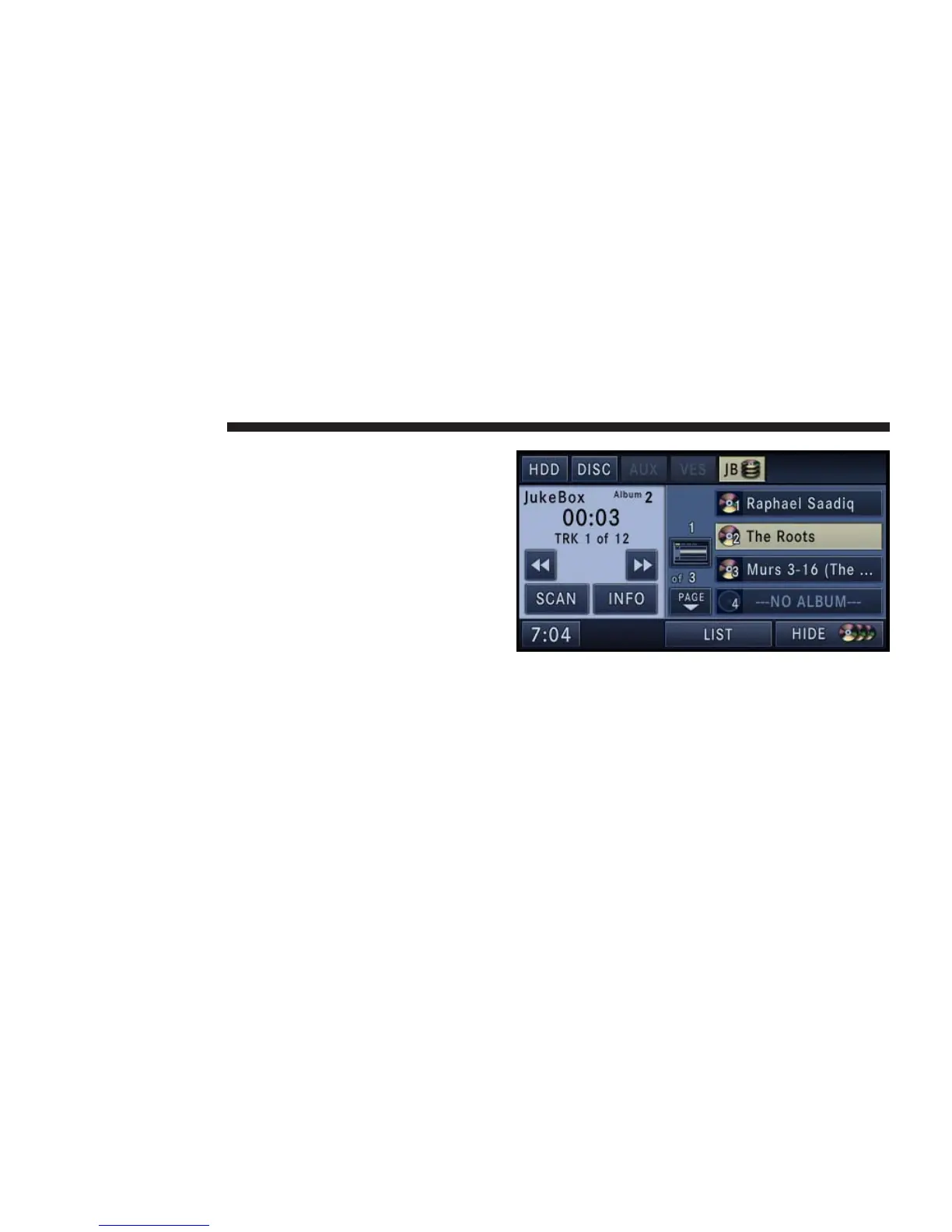
You may touch the JB soft-key tab after the first track is
completed. The jukebox is able to start playing the copied
tracks. The album soft-keys of unfinished tracks will be
disabled until the track copy is complete.
You may remove the disc after all tracks are copied.
Fill a Jukebox Album from HDD Playlist
1. Touch the SHOW DISC soft-key to display a list of
available albums.
2. Select an album slot by touching the corresponding
---NO ALBUM--- soft-key.
48 NAVIGATION



 To Next Page