REMOTE DEVICES
Vehicle Entertainment System™ (VES) – If
Equipped
The navigation radio can remotely control the VES. Refer
to the VES user’s manual for more information.
Receiving Audio/Video from the VES
You can play audio from the VES through the vehicles
speaker system. If you have a VES with a video player,
you can also see the video on the radios display, if the
vehicle is parked.
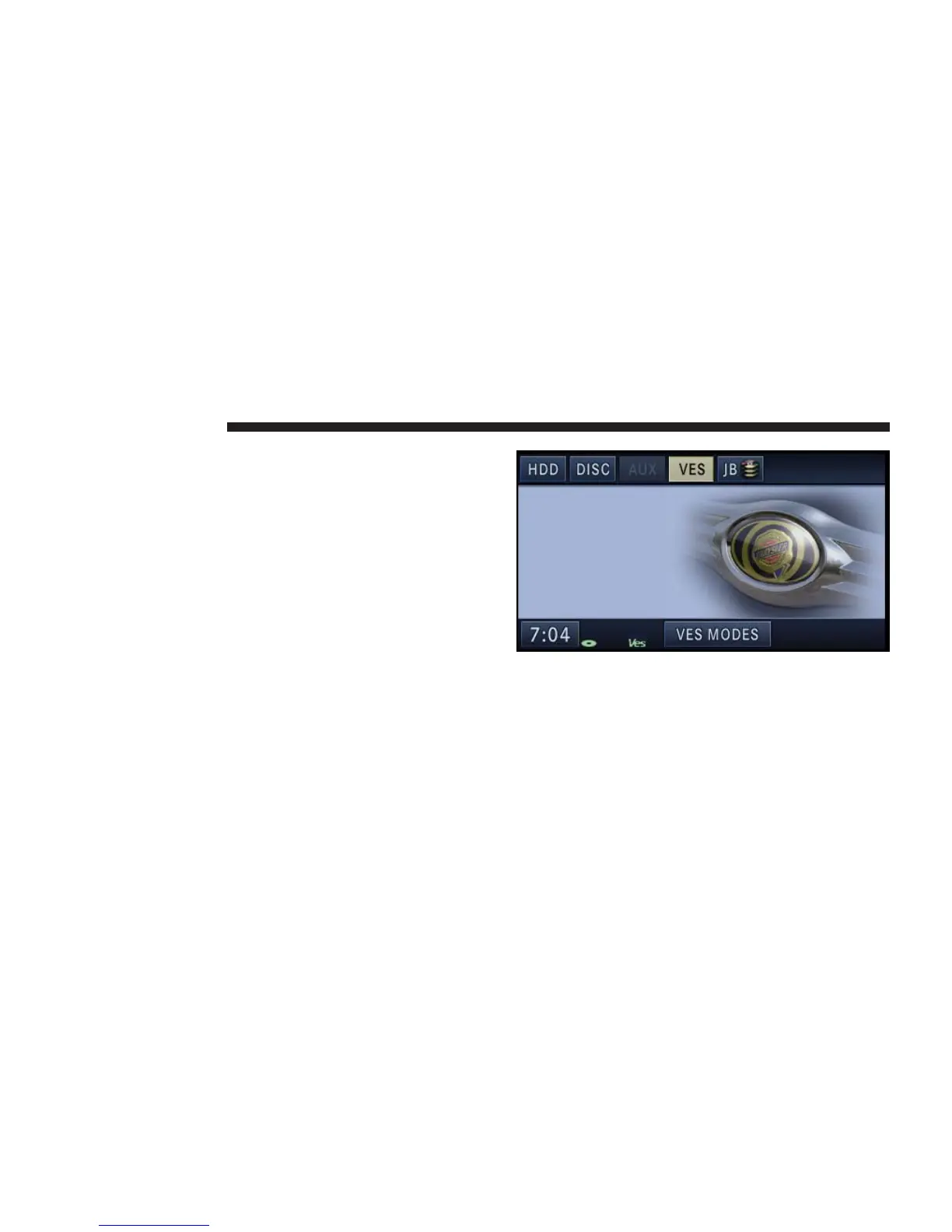
The VES tab becomes available after the VES system is
turned on. Touch the VES MODES soft-key to select the
VES audio source.
76 NAVIGATION



 To Next Page