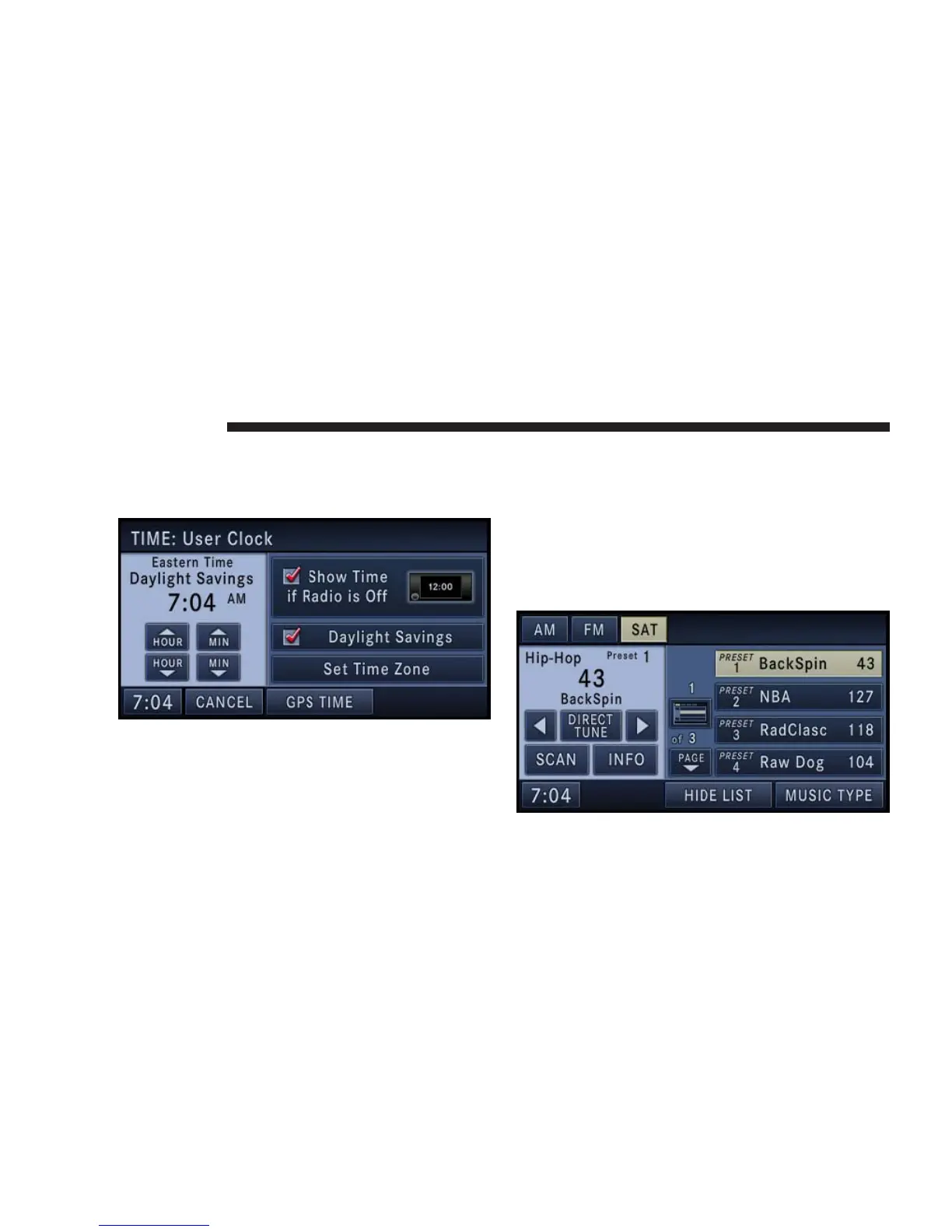
Set the Time
1. Press the time soft-key in the lower left corner of the
screen.
The minutes are set by the GPS system.
2. Press the Set Time Zone soft-key to change to the
desired time zone.
3. Press the Daylight Savings soft-key to switch Daylight
Saving on or off.
It is possible to set up your own time (ahead or behind
actual GPS time), by pressing the USER CLOCK soft-key.
Store Radio Presets
1. Press the Media hard-key repeatedly until AM FM
SAT is displayed in the upper left corner of the screen.
22 NAVIGATION



 To Next Page