HDD/Disc/Jukebox Operation
Pressing the top of the switch will go to the next track on
the disc, and pressing the bottom of the switch will go to
the beginning of the current track, or to the beginning of
the previous track, if it is within eight seconds of the start
of the current track.
Vehicle Entertainment System™ Operation
If equipped with a remote video player, this control will
function the same way as in disc mode.
Audio Settings
Volume
Use the ON/OFF VOLUME hard-key (4) to adjust the
volume of the currently playing audio source. While you
adjust the volume, the name of the audio source and a
volume indicator is displayed in the lower left corner of
the display.
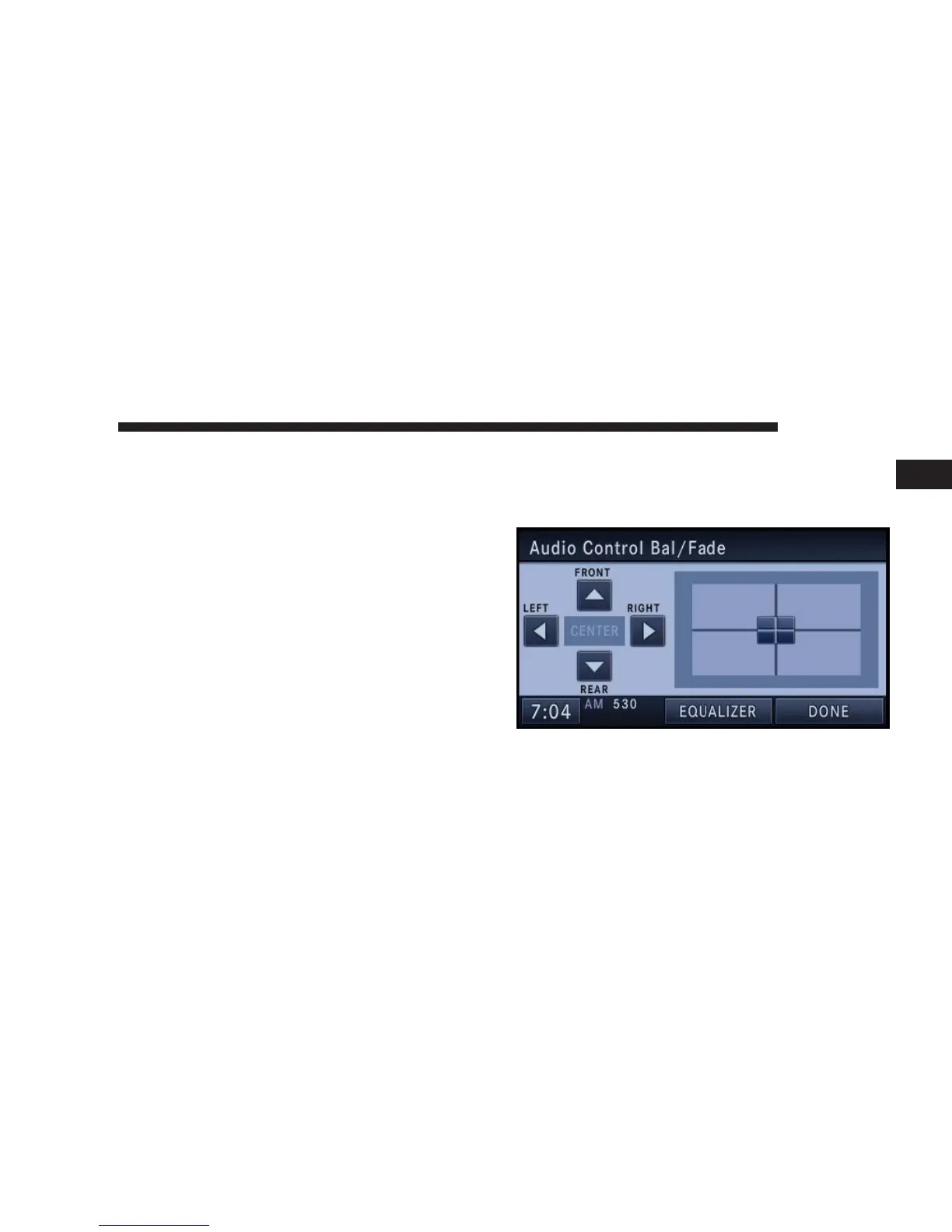
Audio Control Menu
Press the MENU hard-key (7) on the right side of the
radio. Then press the Audio Control soft-key to get to the
audio control menu.
Use either the arrow soft-keys or the cross-hair on the
screen to change Balance and Fade. The CENTER soft-
key resets the settings.
NAVIGATION 19
1



 To Next Page