WARNING!
For your own safety and the safety of others, it is not
possible to use the speller while the vehicle is in
motion.
Destination Input
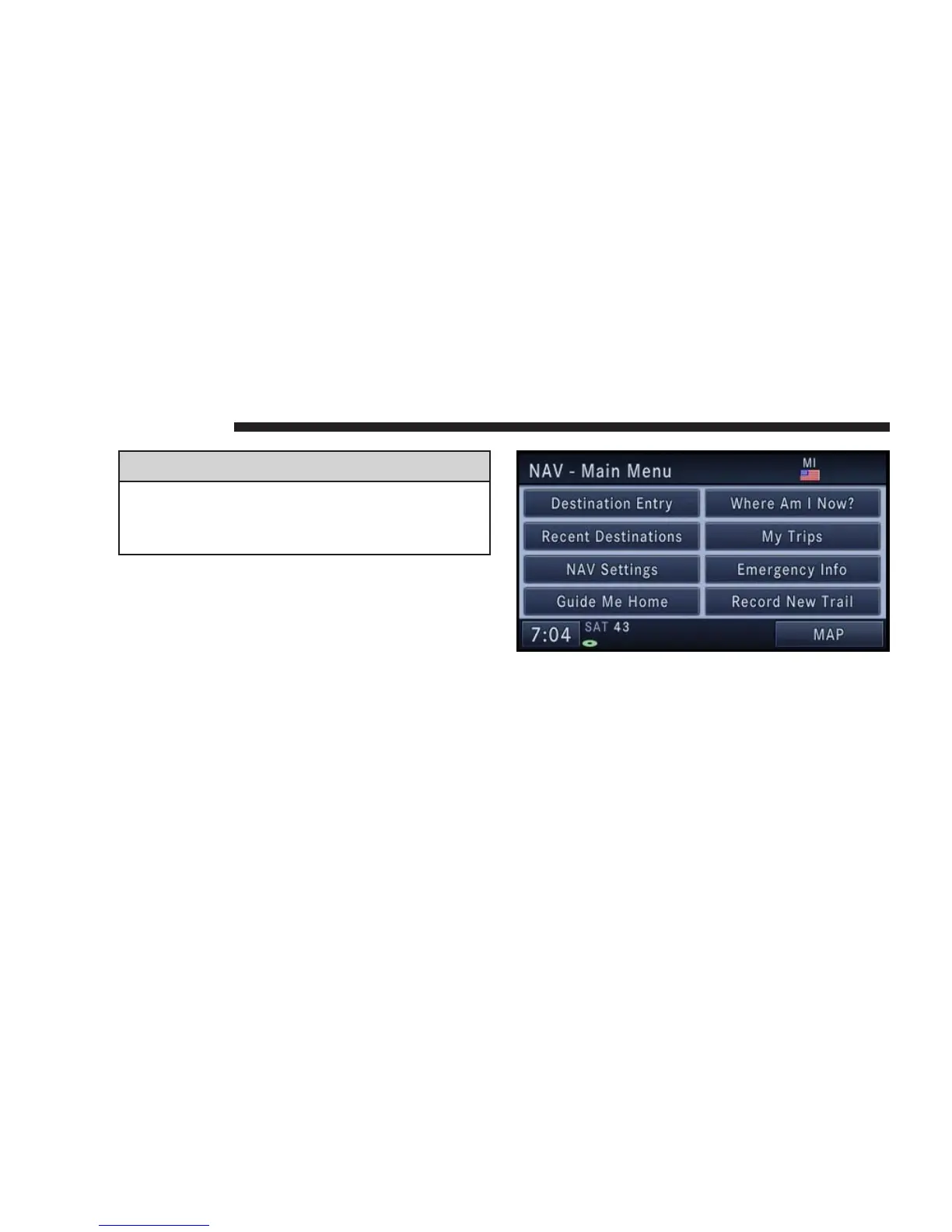
Press the NAV hard-key to access the NAV -Main Menu.
Touch the Destination Entry soft-key to get to the Desti-
nation Entry screen.
NOTE: Once you start the destination input you can
touch the CANCEL soft-key to cancel the destination
input process.
126 NAVIGATION



 To Next Page