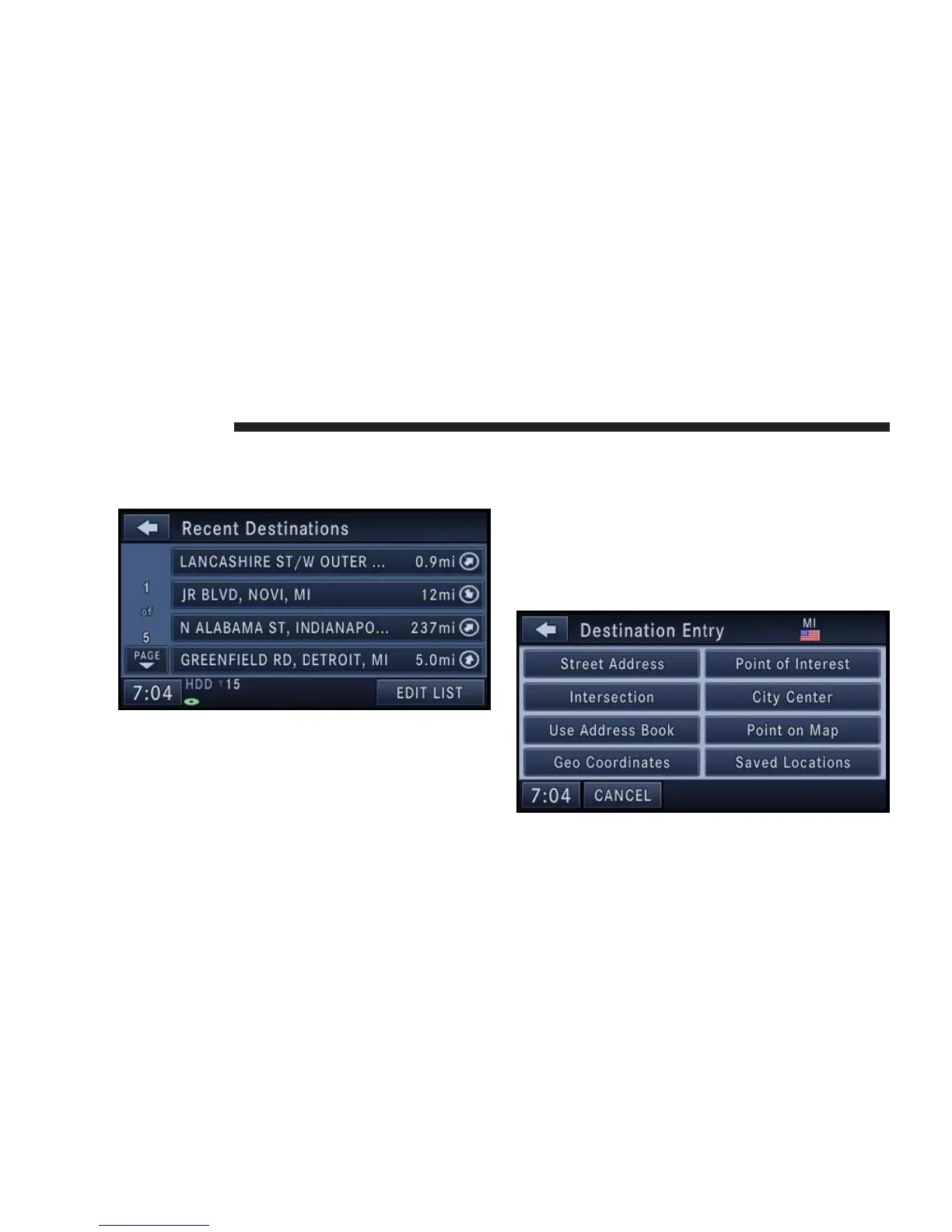
Destination Input by Recent Destinations
Touch the Recent Destinations soft-key in the NAV - Main
Menu.
Touch the soft-key with the name of the desired destina-
tion and confirm the route with GO to start the route
guidance.
Touch the EDIT LIST soft-key to delete either all or single
entries off the recent destination list. To exit the Edit
Recent Destinations menu touch the DONE soft-key. To
go back to the Main Menu touch the back soft-key in the
upper left corner of the screen.
Destination Input by Address Book
Touch the Address Book soft-key in the Destination Entry
screen.
140 NAVIGATION



 To Next Page