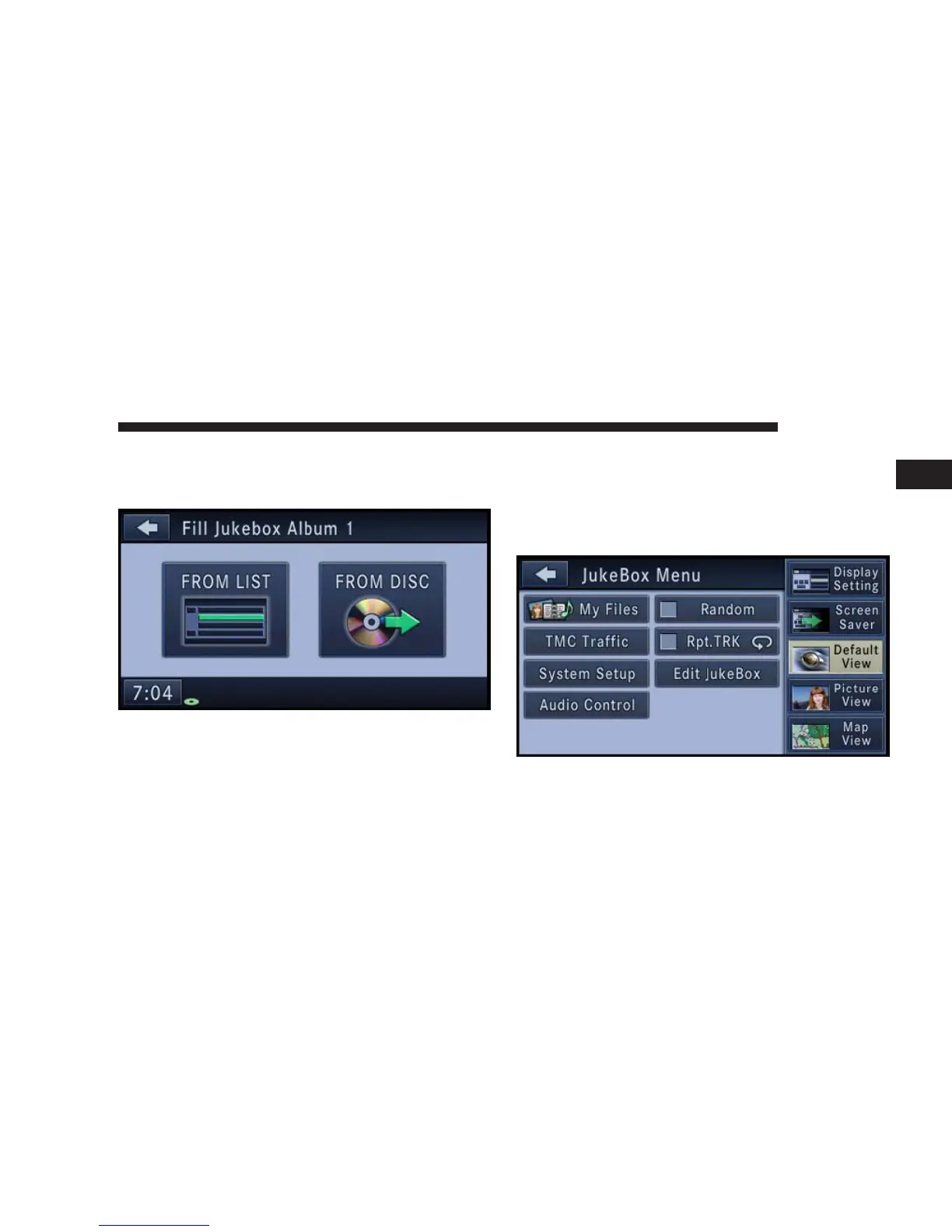
NOTE: Refer to the Edit Jukebox Album section in this
manual in order to remove an album from the jukebox
slot.
3. Touch the FROM LIST soft-key.
4. Select an album from the Available Albums list by
touching the soft-key with the corresponding album
name.
The selected album starts playing.
Clear a Jukebox Album Slot
1. Touch the JB soft-key tab to select the Jukebox mode.
2. Press the MENU hard-key to select the Jukebox Menu.
3. Touch the Edit Jukebox soft-key.
NAVIGATION 49
1



 To Next Page