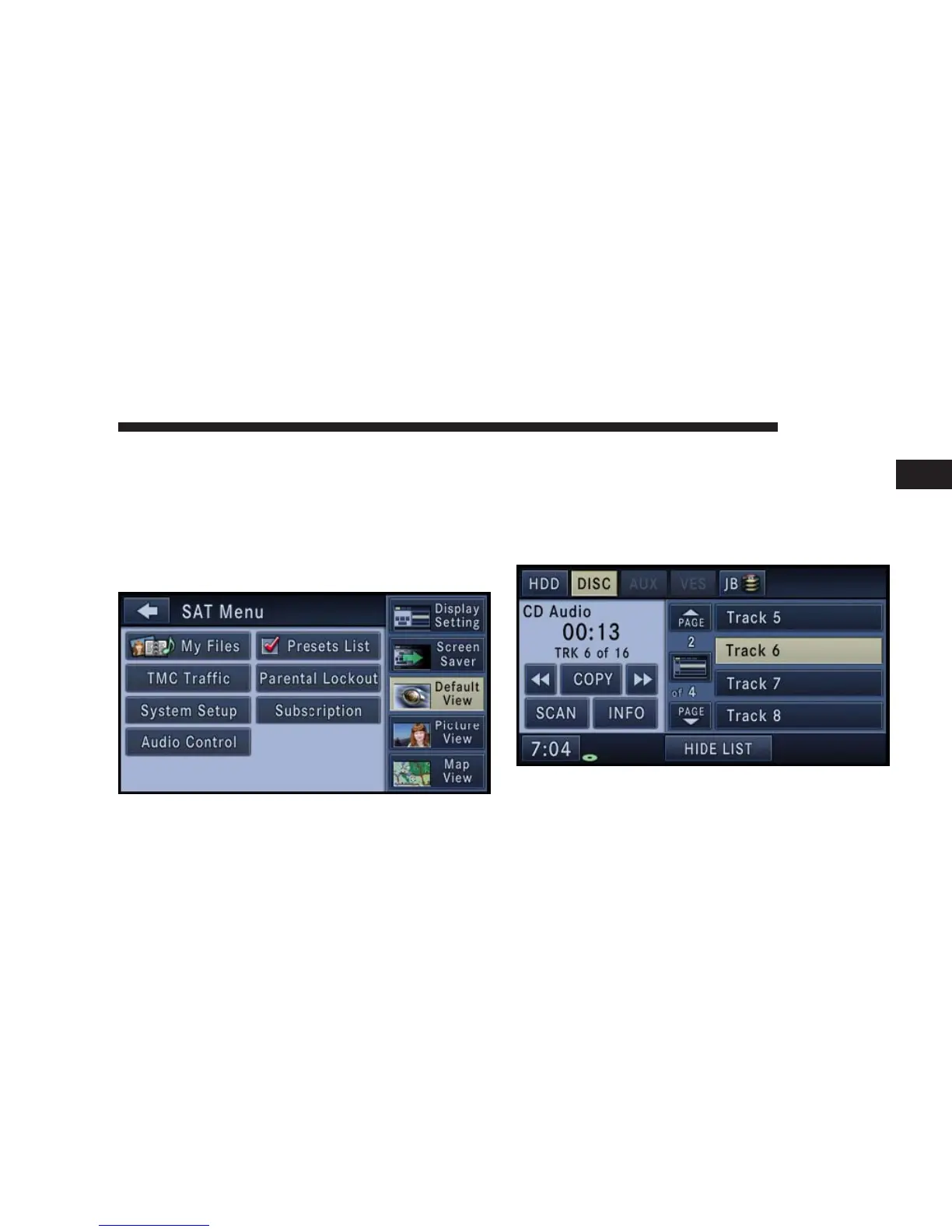
Touch the Picture View soft-key to enable the picture
view mode, where a pictures can be displayed on the
right half of the radio screen. Refer to the Hard Disk
Drive section for a detailed example.
Touch the Map View soft-key to enable the map view
mode, where the navigation map can be displayed on the
right half of the radio screen.
MEDIA
Disc Mode
Overview
The navigation radio is equipped with a CD/DVD
player.
NAVIGATION 35
1



 To Next Page