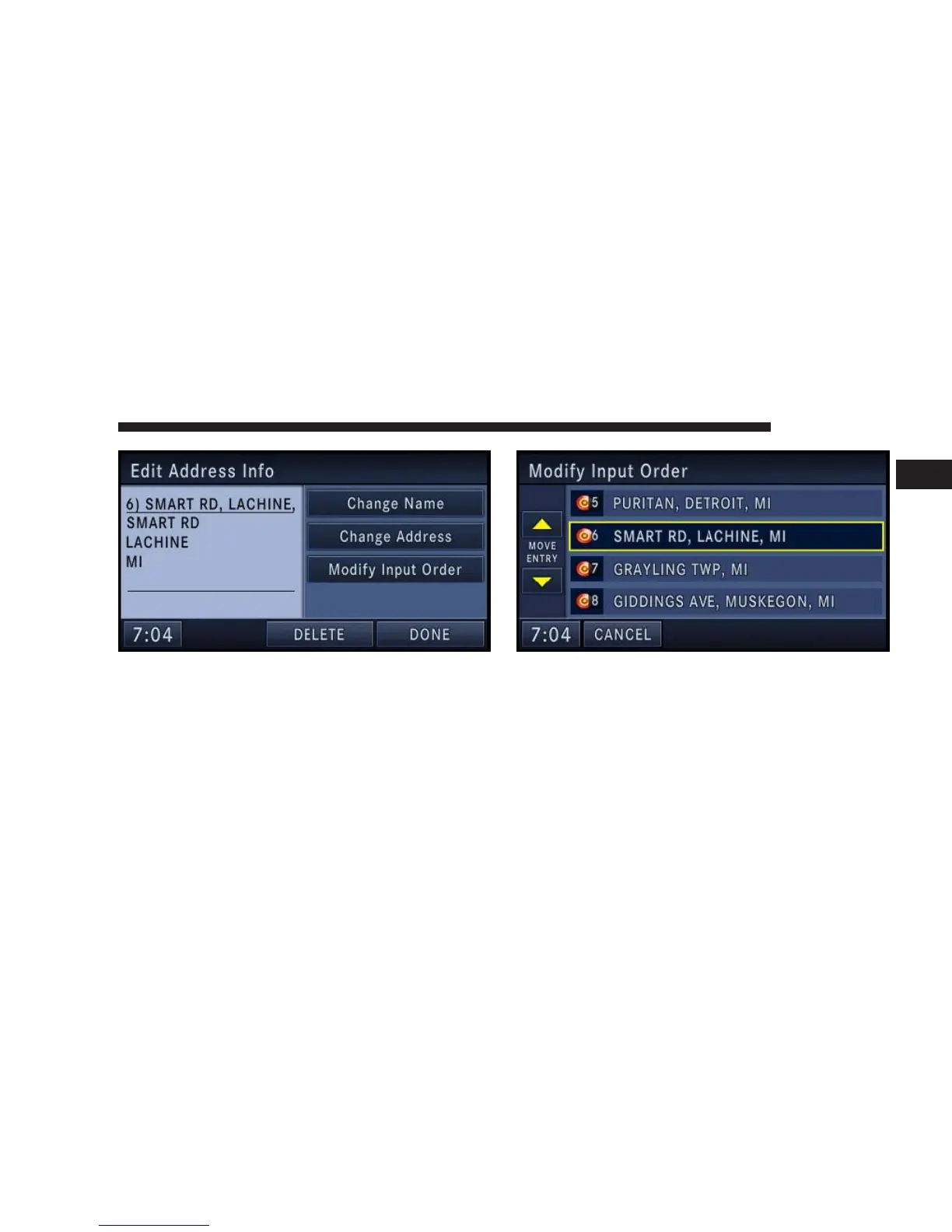
You may now Change Name or Change Address.
Touch the DONE soft-key to confirm your changes.
Touch the Modify Input Order soft-key in the Edit
Address Info menu to rearrange the order of the destina-
tions in the trip.
Touch the yellow up and down arrow soft-keys to move
the entry in the list. Touch the SAVE soft-key when you
are done.
NAVIGATION 169
1



 To Next Page