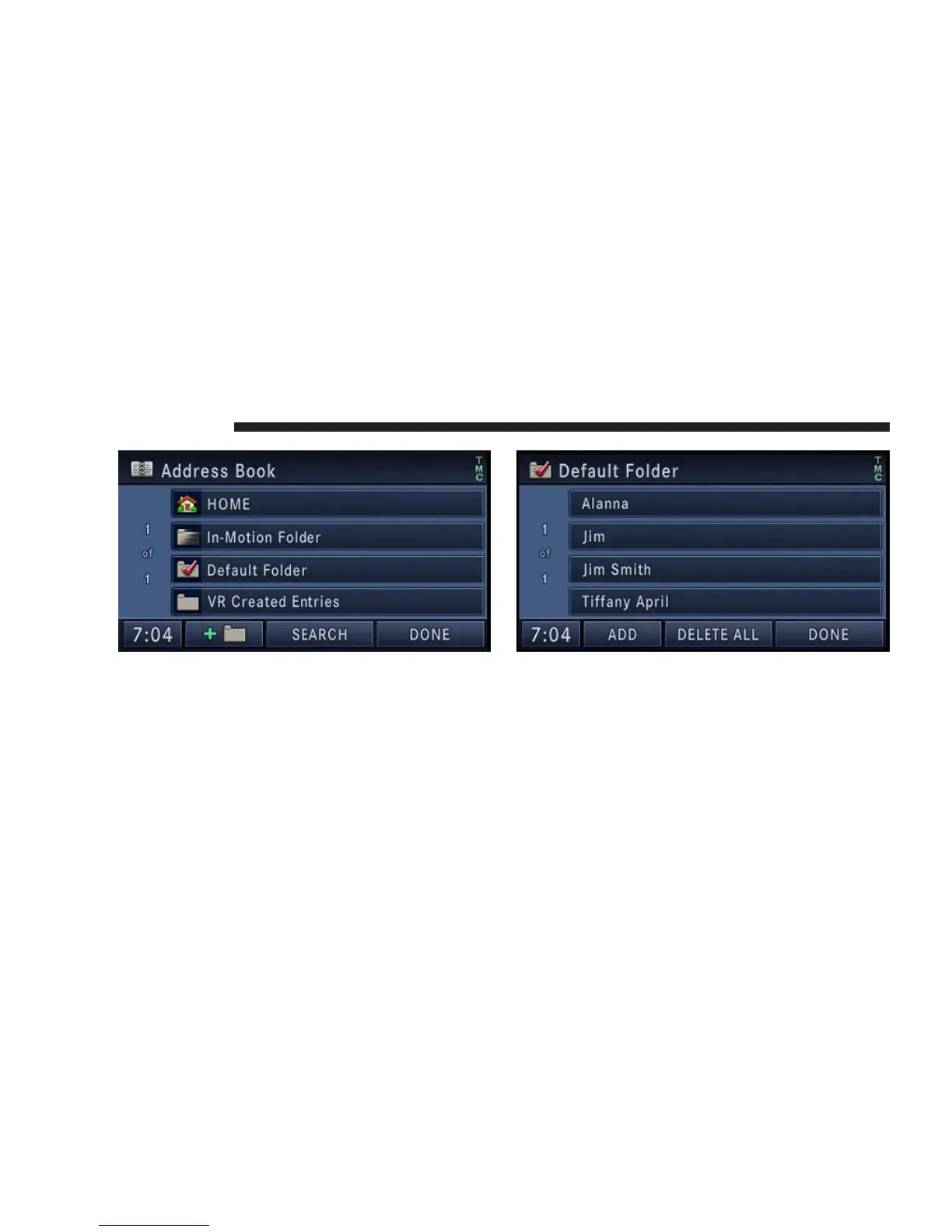
The Address Book screen appears.
4. To select an address from the Default folder, touch the
Default Folder soft-key.
To select an address from another folder, touch one of the
folder soft-keys.
5. Touch the ADD soft-key to add a new contact. Touch
CLEAR ALL to delete all contacts in this folder, touch
DONE to go back to the Address Book menu, or touch a
soft-key with a contact name to view, edit, or change the
Contact Information.
176 NAVIGATION



 To Next Page