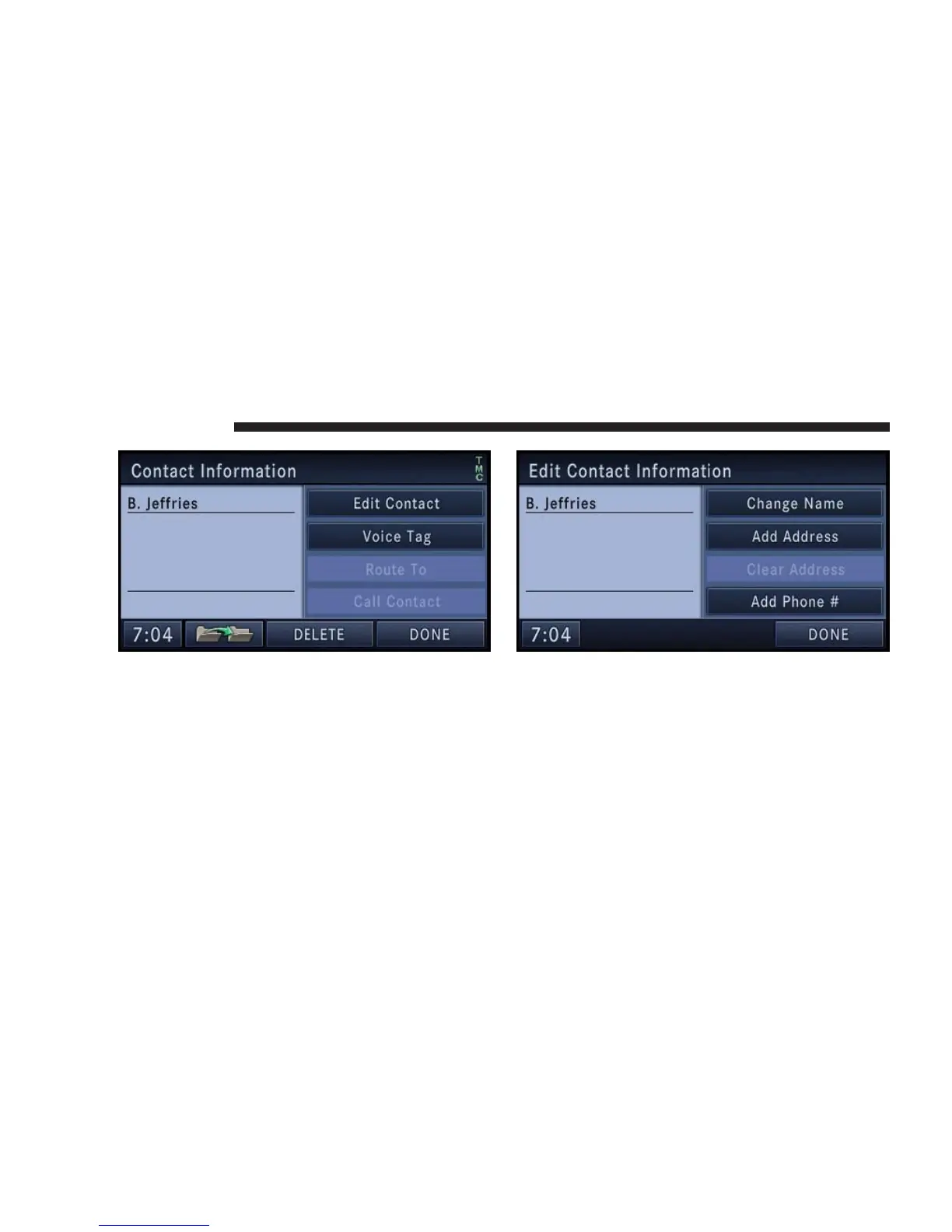
You may now edit the contact information. Add a voice
tag for the voice recognition or touch the Edit Contact
soft-key to add more information to the entry.
Touch the DELETE soft-key to delete the contact.
In this example, we need to add an address to the contact.
9. Press Add Address and enter a destination (refer to
Destination Input section in this manual).
178 NAVIGATION



 To Next Page