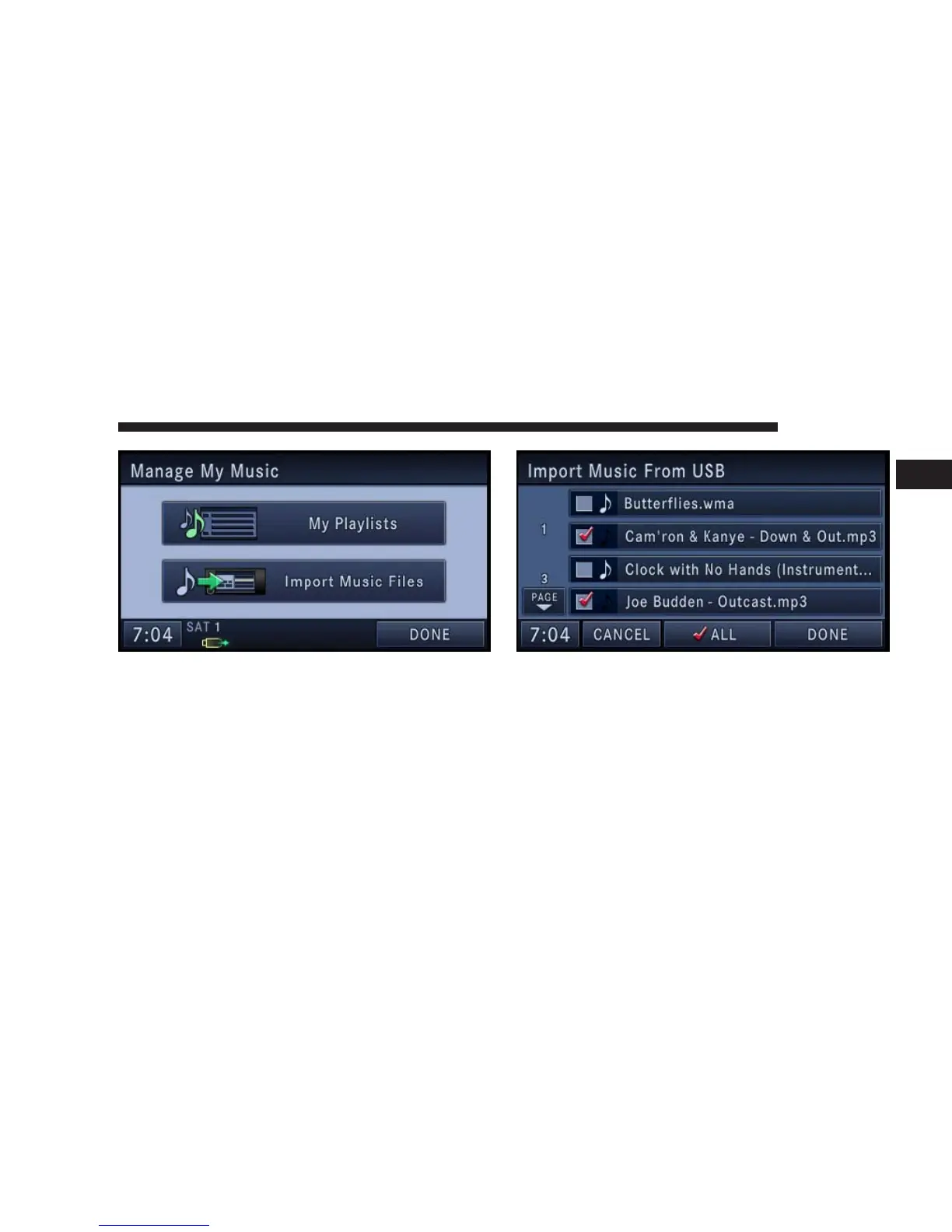
4. Touch the Import Music Files soft-key.
5. Touch the From DISC soft-key in the next screen.
6. Select the folders or titles you would like to copy.
A red check-mark indicates the selected songs and/or
folders. Touch the ALL soft-key to select all files and
folders at once.
7. Touch the DONE soft-key to start the copy process.
The copy process is shown on the display. It is possible to
listen to radio modes during this process.
NAVIGATION 59
1



 To Next Page