The playlist now has the new name.
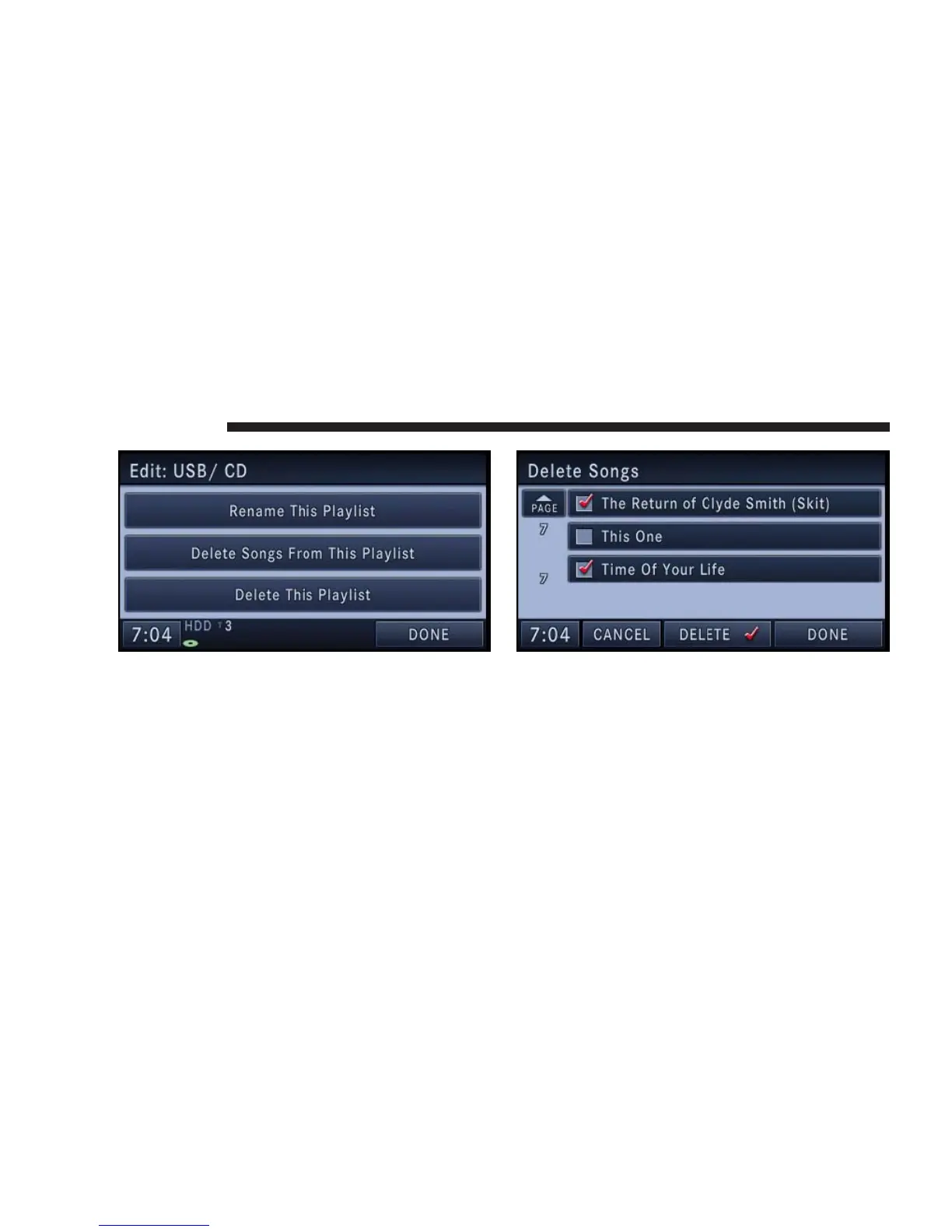
9. Touch the Delete Songs From This Playlist soft-key.
NOTE: If you touch the Delete This Playlist soft-key, the
playlist and all songs contained in it, will be permanently
deleted. Neither song nor playlist can be recovered.
10. Select the titles you would like to delete.
A red check-mark indicates the selected songs.
11. Touch the DELETE soft-key to start the delete pro-
cess.
NOTE: If you delete a song from the playlist, the song
cannot be recovered.
68 NAVIGATION



 To Next Page