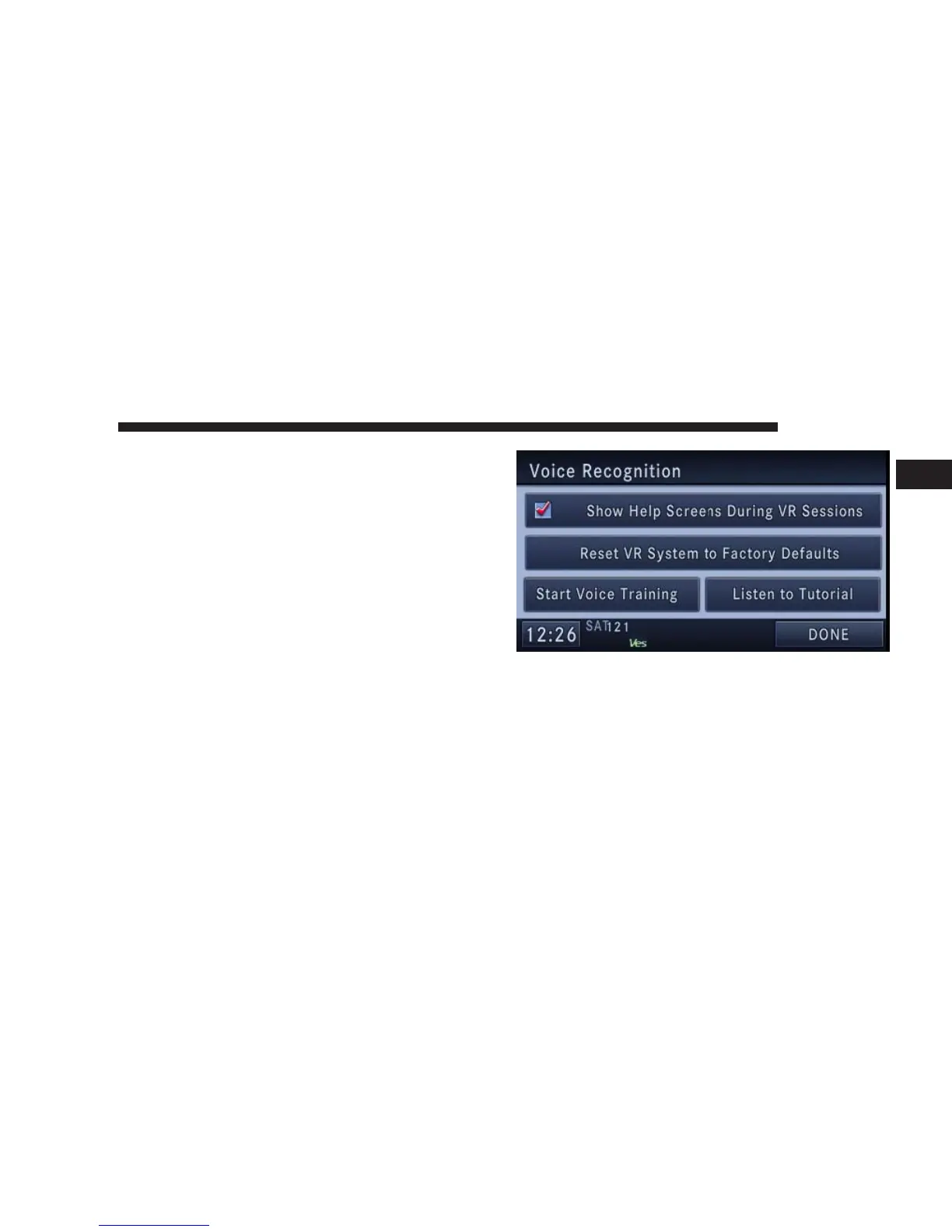
This procedure may be repeated with a new user. The
system will adapt to the last trained voice only.
If the system does not understand the words VOICE
TRAINING:
1. Press the MENU hard-key.
2. Press System Setup.
3. Press the Voice Recognition hard-key to access the
Voice Recognition menu.
NOTE: Voice Training does not alter the capability of
the system to recognize other people’s voices. It gives the
recognition system additional information about your
voice.
•
Touch the Show Help Screens During VR Sessions to
show or hide the help screens when using the speech
dialog system.
NAVIGATION 97
1



 To Next Page