Configuring the PVC2300 and WVC2300 Cameras
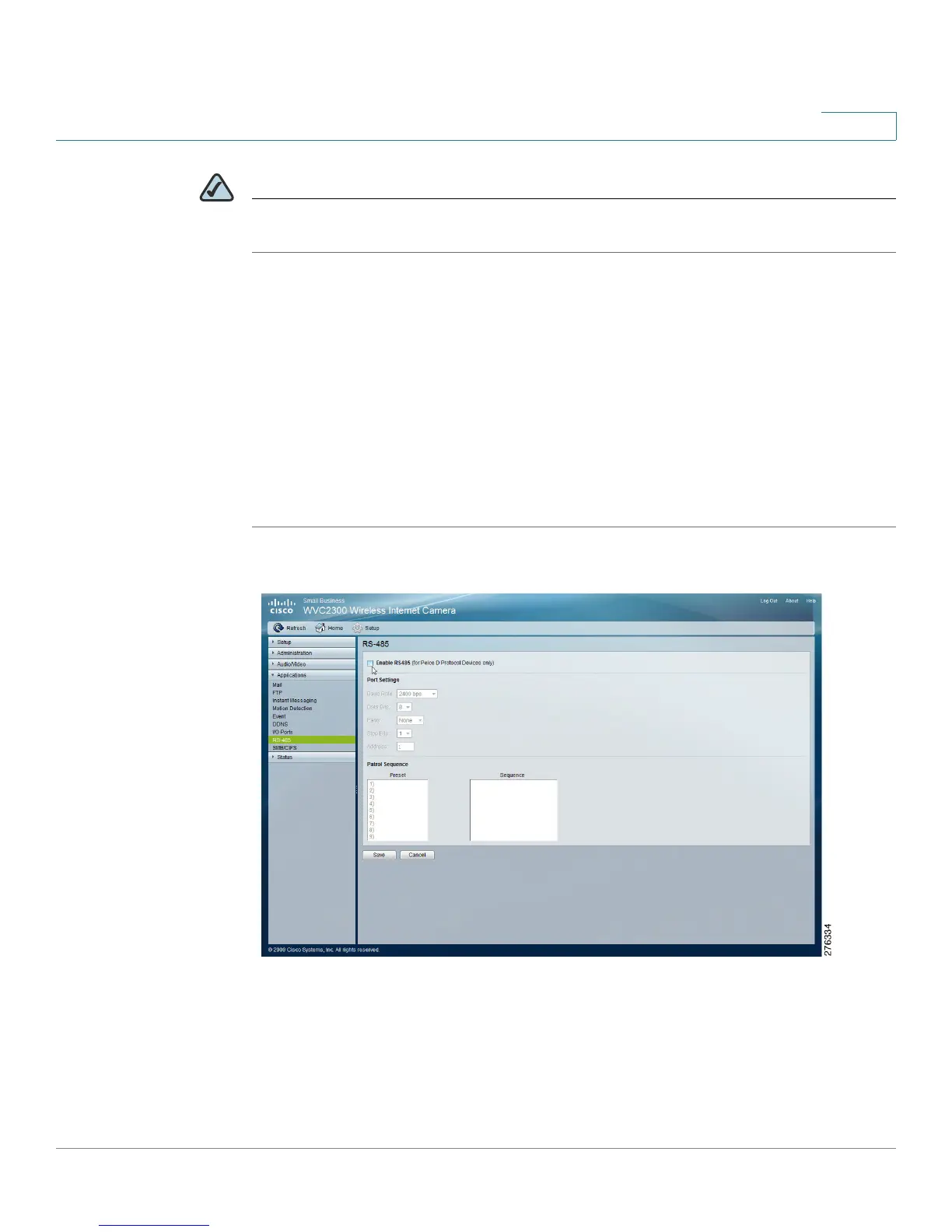
Applications > RS-485
Cisco PVC2300 and WVC2300 Internet Video Cameras with Audio Administration Guide 100
8
NOTE You can add the same preset position more than once. This can be used to make
the camera stay longer at one position.
To delete a position from the sequence, select the desired position and click
Remove.
• Preset—Displays a list of available presets to choose from.
• Sequence—Displays the order of presets in the sequence.
• Add >>—Adds a preset to the sequence.
• Remove—Removes a preset from the sequence.
To set the camera to rotate, follow these steps:
STEP 1 From the Applications > RS-485 window, check the check box Enable RS485.



 To Next Page