Installing the Camera Software
Configuring the Basic Camera and Network Settings
Cisco PVC2300 and WVC2300 Internet Video Cameras with Audio Administration Guide 27
5
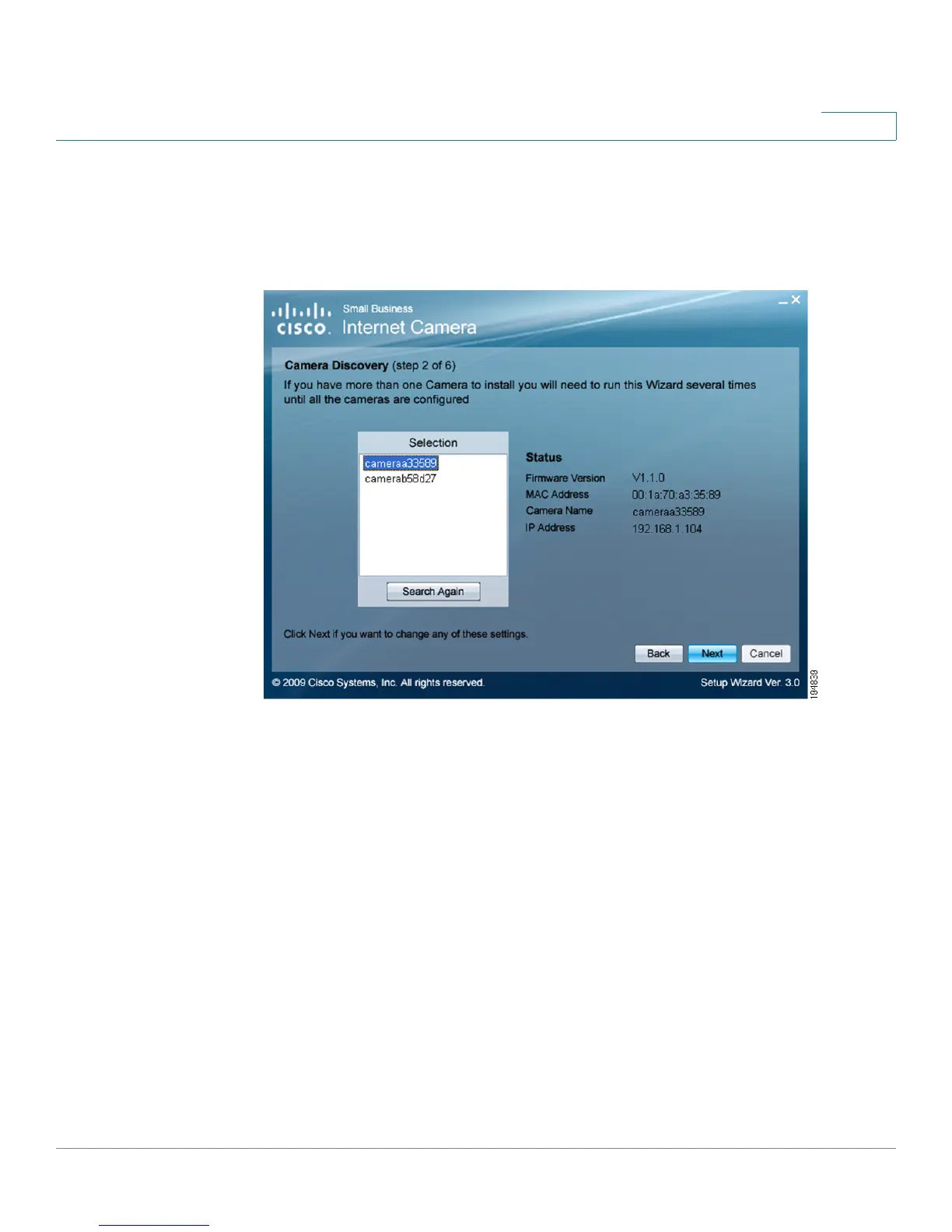
STEP 5 From the Camera Discovery window, highlight the camera you want to configure
and click Next. If the camera you want to configure is not displayed in the
Selection box, enable UPnP on your computer as described in Appendix A,
“Troubleshooting” and click Search Again.



 To Next Page