Installing the Camera Software
Configuring the Basic Camera and Network Settings
Cisco PVC2300 and WVC2300 Internet Video Cameras with Audio Administration Guide 28
5
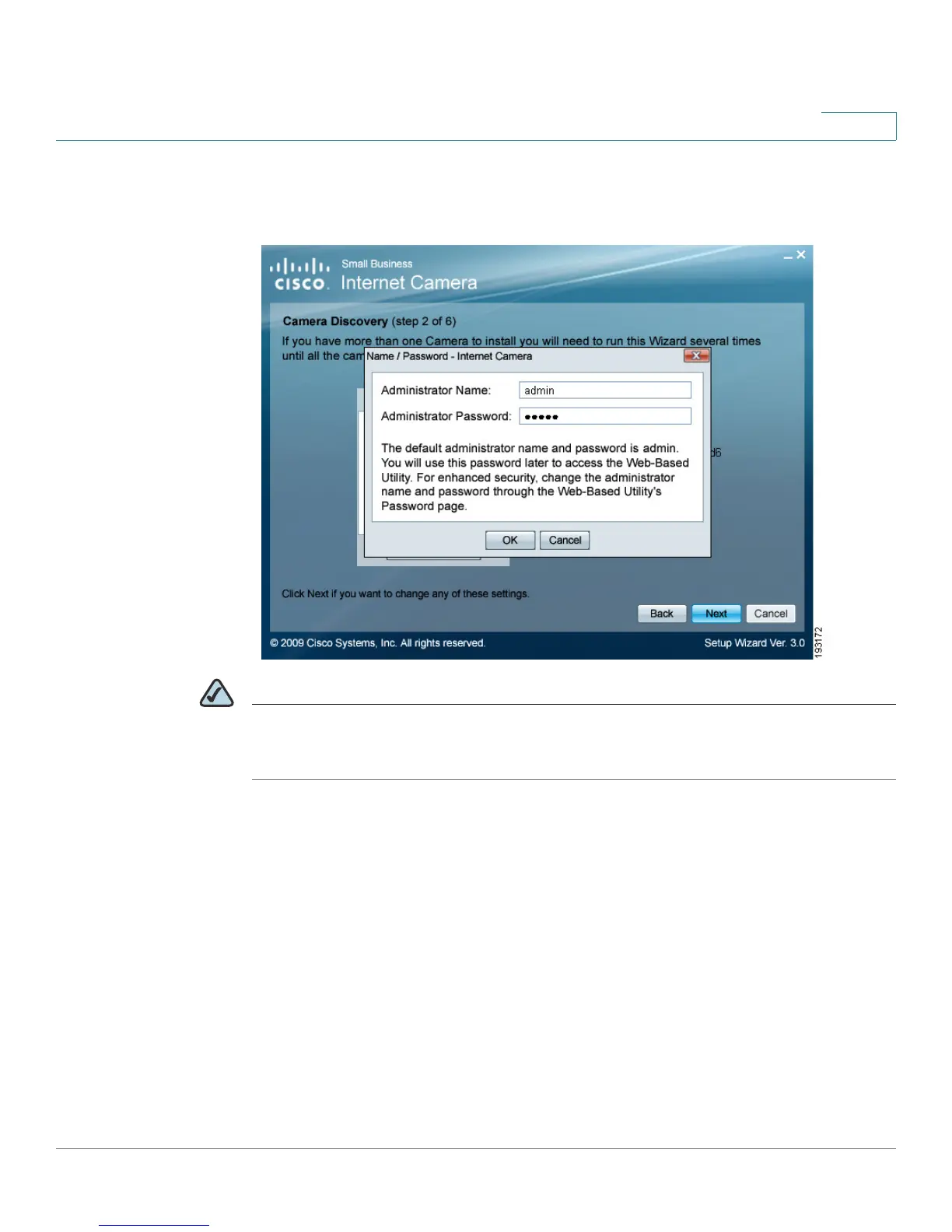
STEP 6 When prompted, type admin in both the Administrator Name and Administrator
Password fields. The default user name and password is admin. Click OK.
NOTE For security purposes, it is recommended that you change the password using the
camera’s web-based utility at a later time. See “Administration > Users” on page
73.



 To Next Page