Installing the Camera Software
Setting Up the Wireless Connection on the WVC2300 Camera
Cisco PVC2300 and WVC2300 Internet Video Cameras with Audio Administration Guide 44
5
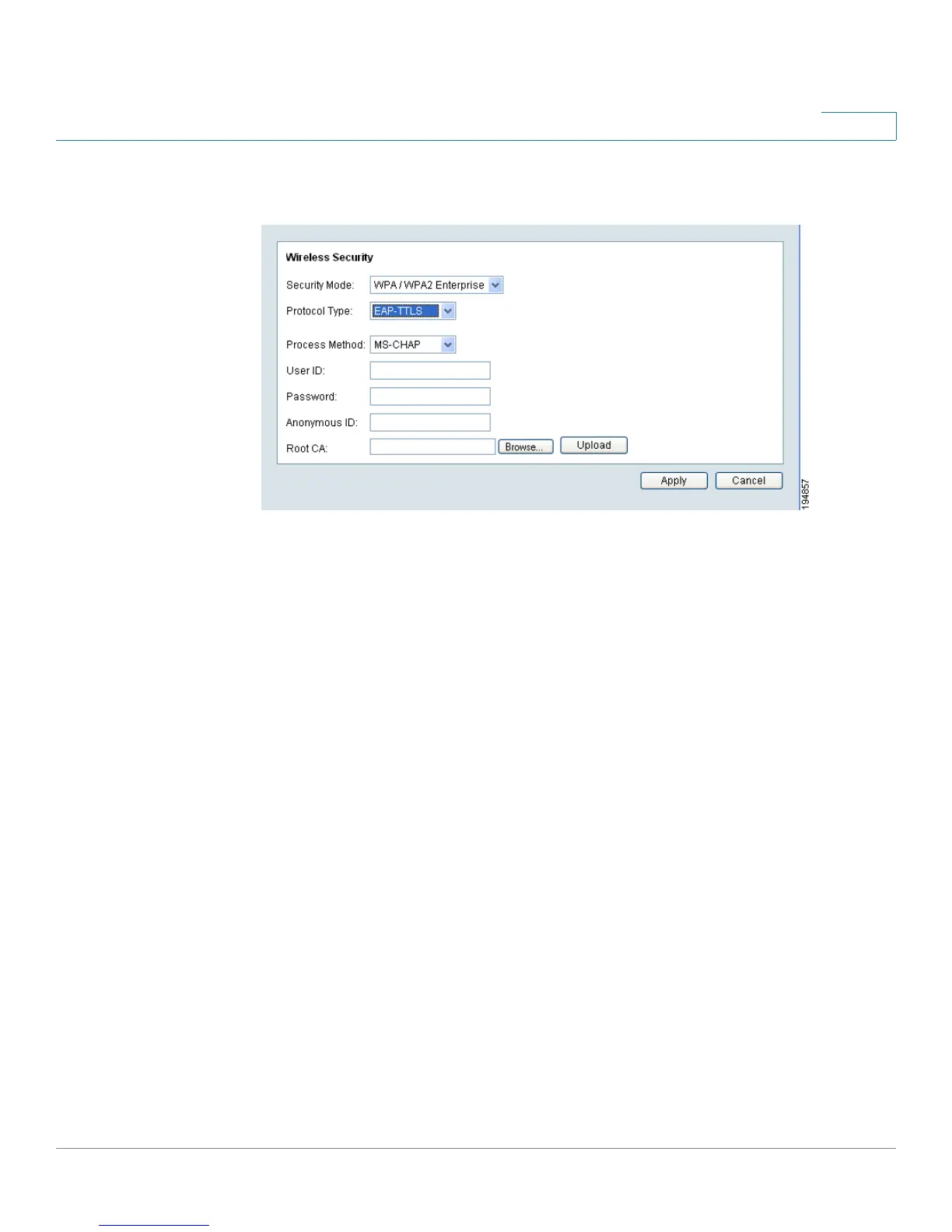
EAP-TTLS
• Process Method—Choose an authentication method as required to handle the
processing and transmitting of CA to your RADIUS server.
• User ID—The user ID used for login to your RADIUS server.
• Password—This is for this camera’s client login to the RADIUS server.
• Anonymous ID—The unsigned public ID used for login to your RADIUS server.
• Root CA—A root certificate is an unsigned public key certificate or a self-
signed certificate, which implies that you trust your browser’s publisher to
include correct root certificates and in turn the certificate authorities it trusts,
and anyone to whom the CA may have issued a certificate-issuing-certificate,
to faithfully authenticate the users of all their certificates.
STEP 4 Click Save to save the wireless security settings and close the window.
STEP 5 From the Setup > Basic Setup window, click Save to save the wireless settings.



 To Next Page