Installing the Camera Software
Setting Up the Wireless Connection on the WVC2300 Camera
Cisco PVC2300 and WVC2300 Internet Video Cameras with Audio Administration Guide 45
5
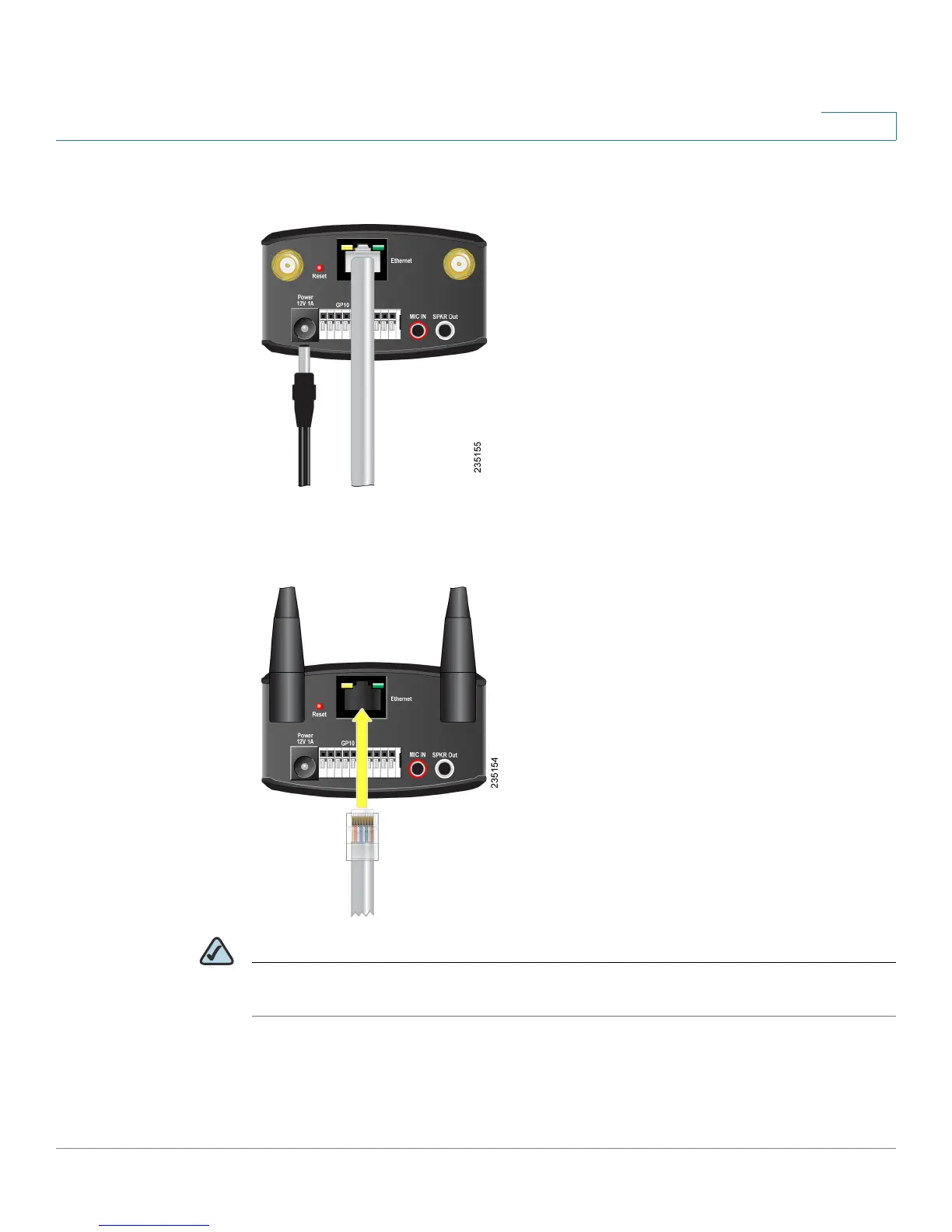
STEP 6 Disconnect the power to the camera.
STEP 7 Disconnect the Ethernet cable from the camera.
NOTE The wireless connection will not work if an Ethernet cable is attached to the camera
when it is powered on.



 To Next Page