Configuring the PVC2300 and WVC2300 Cameras
Setup > Basic Setup
Cisco PVC2300 and WVC2300 Internet Video Cameras with Audio Administration Guide 63
8
• Channel No—If the camera is set to Ad-hoc mode, select the appropriate
channel from the list provided to correspond with your network settings. All
devices in your wireless network must use the same channel in order to
function correctly. In Infrastructure mode, you cannot specify a channel
setting on the camera. It is automatically configured to match the device
your camera is connected to.
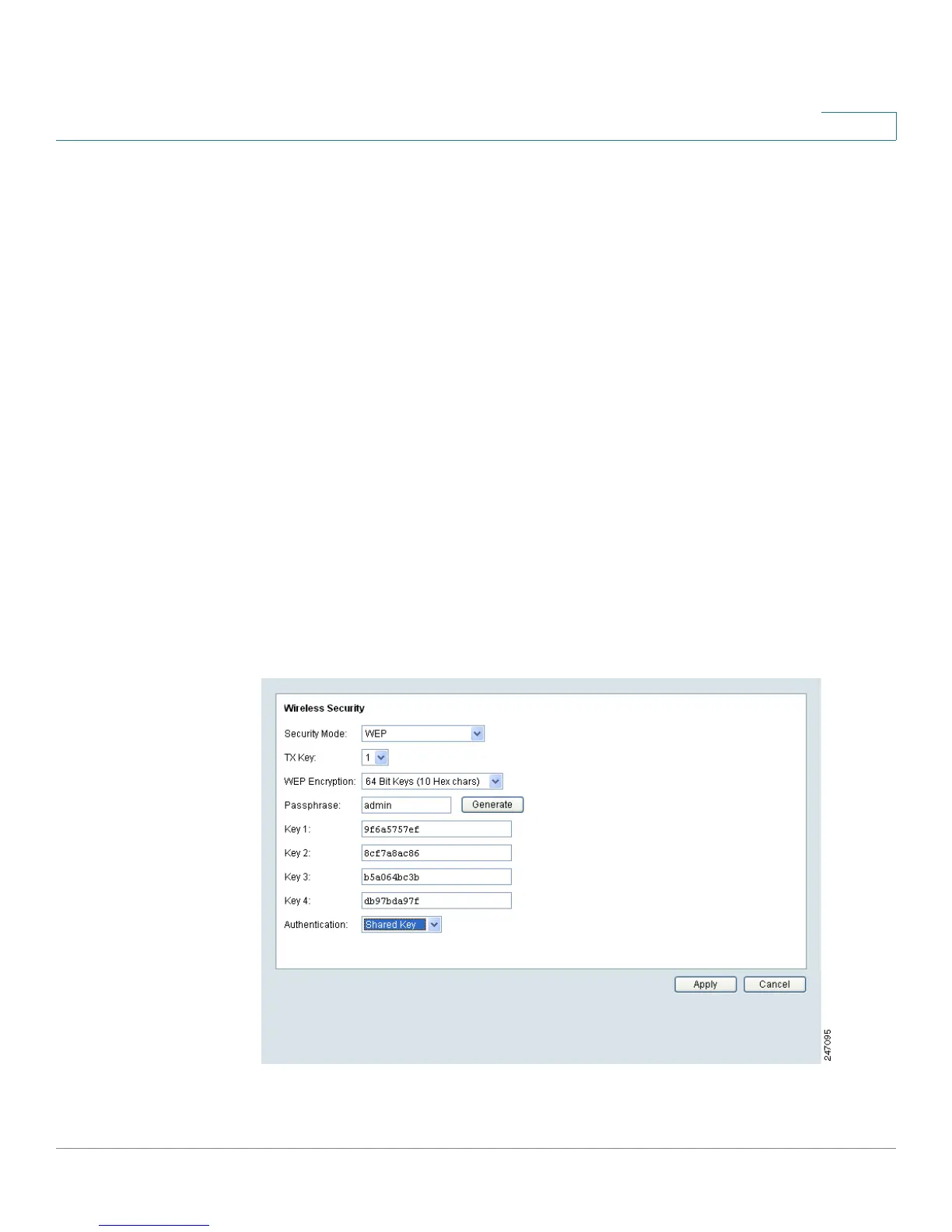
• Security—Click Edit Security Settings to display the Wireless Security
window.
• Security Mode—Select the appropriate option based on your wireless
network configuration. The options are Disabled, WEP, WPA/WPA2
Personal, WPA/WPA2 Enterprise.
Disable
This security mode option implements no security on your wireless network. Data
is not encrypted before transmission.
WEP
Wired Equivalent Privacy (WEP) is a basic encryption method, which is not as
secure as later methods such as WPA-Personal or WPA2 Personal.



 To Next Page