Configuring the PVC2300 and WVC2300 Cameras
Setup > Basic Setup
Cisco PVC2300 and WVC2300 Internet Video Cameras with Audio Administration Guide 64
8
• TX Key—Select the number of the key used on the wireless network.
• WEP Encryption—Select the appropriate option for key length based on
your network settings.
• Passphrase—Type in the passphrase used to generate WEP keys on your
network and click Generate.
• Key 1-4—Key values can be entered in manually or generated from a
passphrase.
• Authentication—Select the appropriate authentication type used on the
wireless network.
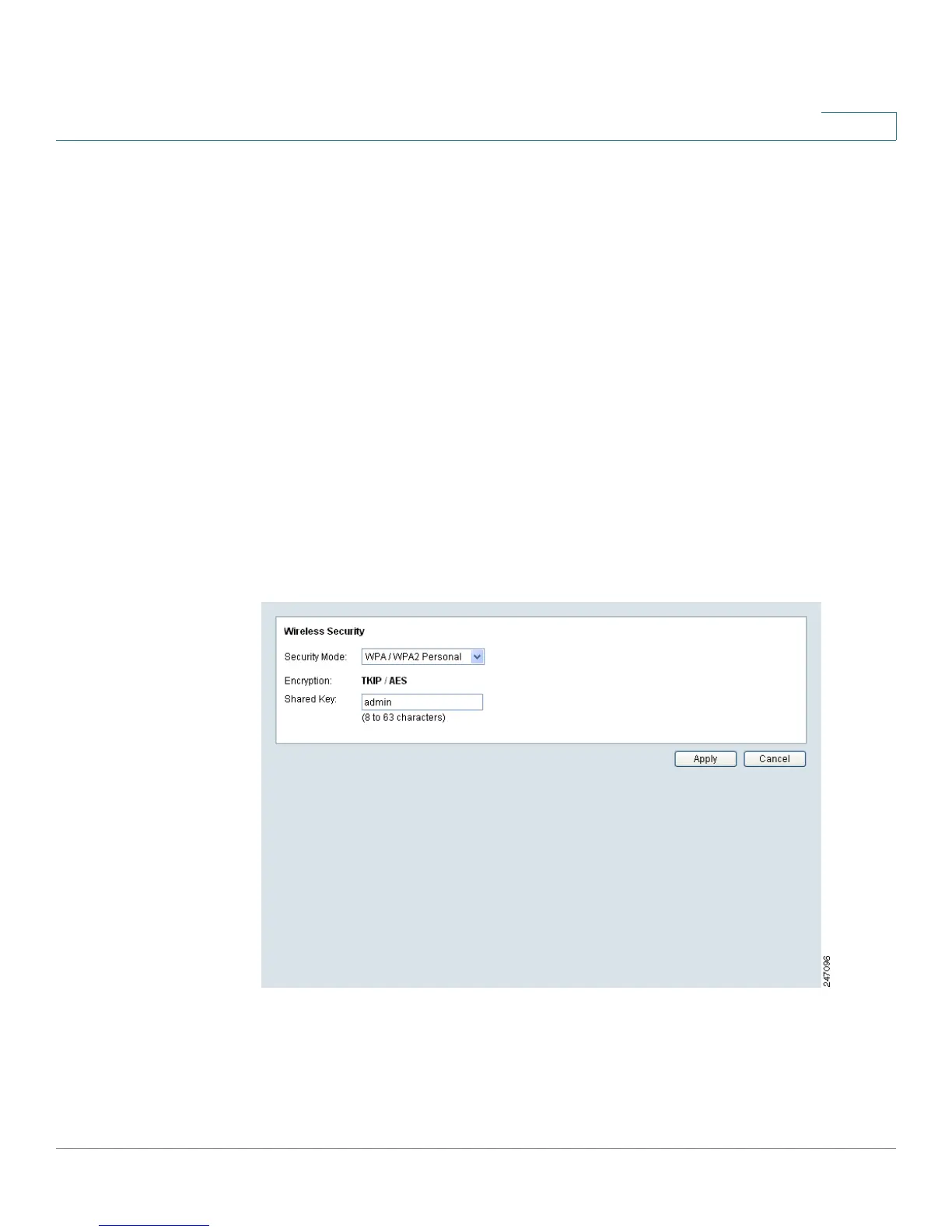
WPA /WPA2 Personal
This security mode option offers two encryption methods, TKIP and AES, with
dynamic encryption keys. Enter the Shared Key, which can have 8 to 63
characters. Then enter the Key Renewal Timeout, which instructs the device how
often it should change the encryption keys.
• Encryption—This cannot be modified.
• Shared Key—Enter the shared key used for accessing the wireless
network.



 To Next Page