2. Connect the USB connector of the download cable (Platform cable USB DLC9G) to
the USB port of the PC.
3. Connect the 14way IDC header to CON12 (see Figure 7-2: MVX-A16 MK I
card: J1, CON).
4. Power up the MVX-A16 card and start the iMPACT programming tool (Ver 13.1)
on the PC.
5. Ensure that Xilink box shows GREEN led. (Orange Led means no connection)
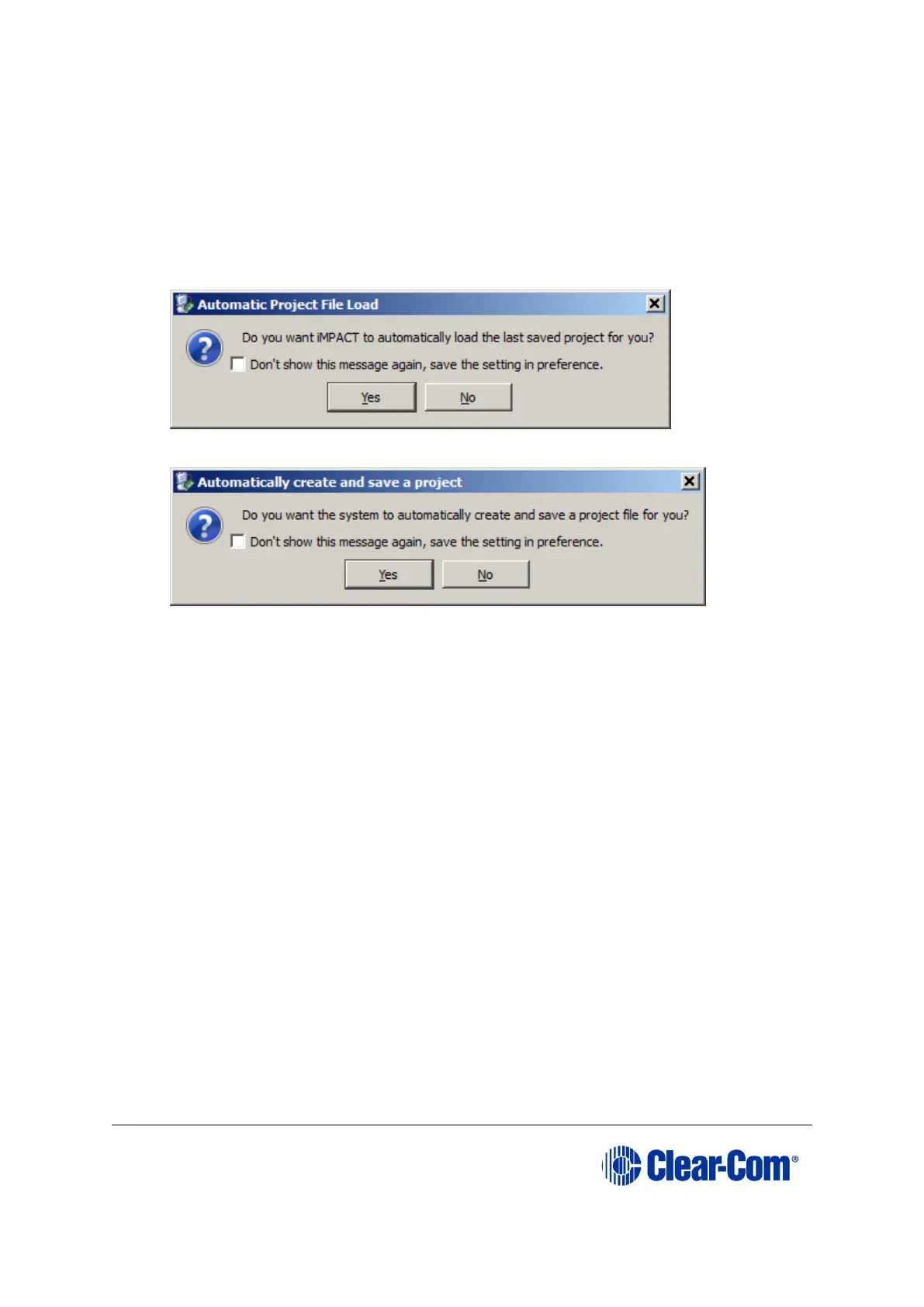
6. Select "No"
7. Select
a. "Yes" if more upgrade is to be performed later on.
b. "No" if this is a one off upgrade
8. Cancel the following pop up when seen



 To Next Page