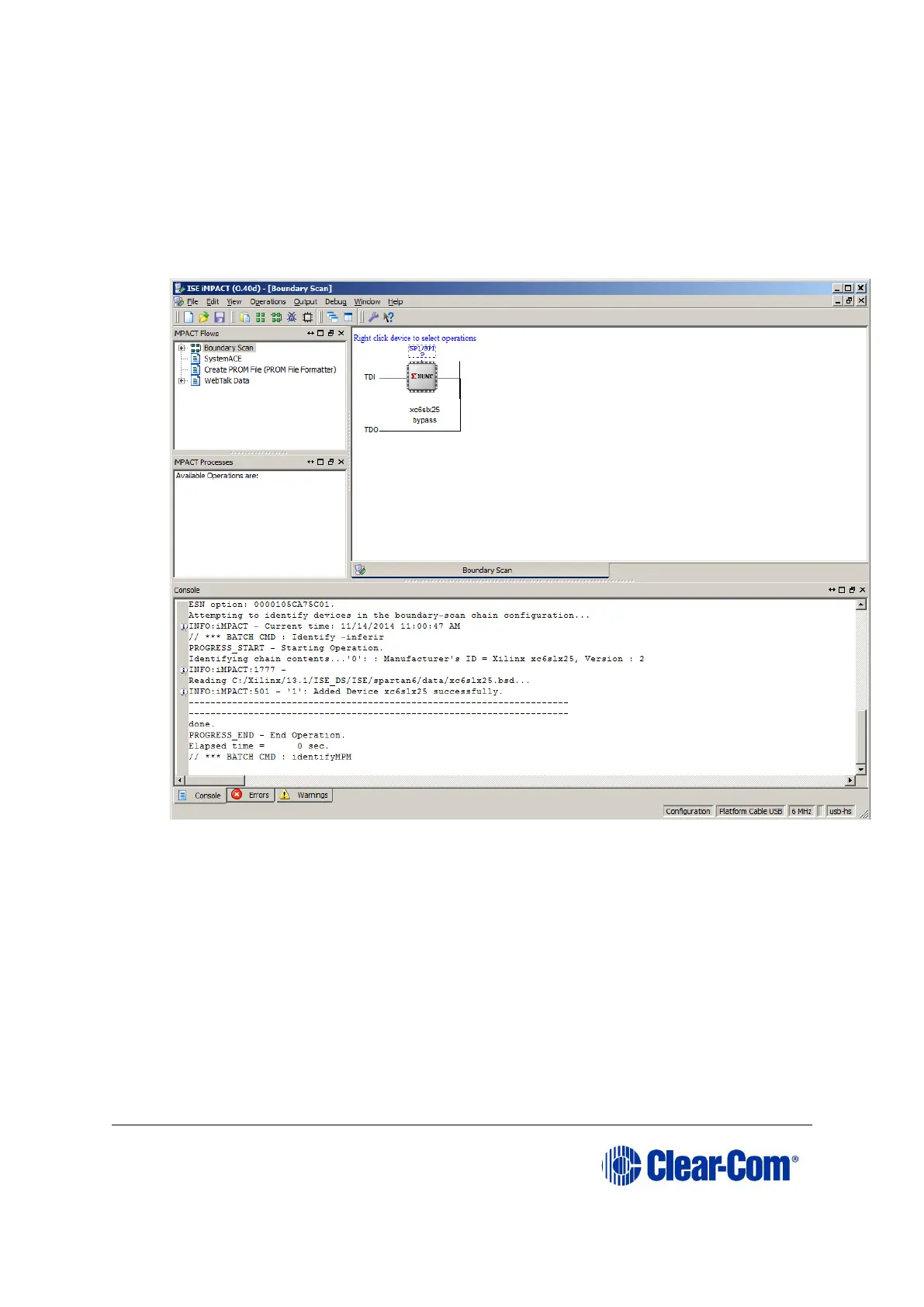
11. When asked whether to "Continue and assign configuration file(s)?"
a. Select "No"
12. "Cancel" the next pop up window.
13. On the device shown on the diagram, right click on the "SPI/BPI" on top of the
device.
14. Select "Add SPI/BPI....."
15. Pop up "Add PROM File" appears, select where the .mcs file needed, and click
"Open"
16. Pop up "Select Attached SPI/BPI, on the first drop down list on the right, select
"S25FL032P" from the list, click "OK".



 To Next Page