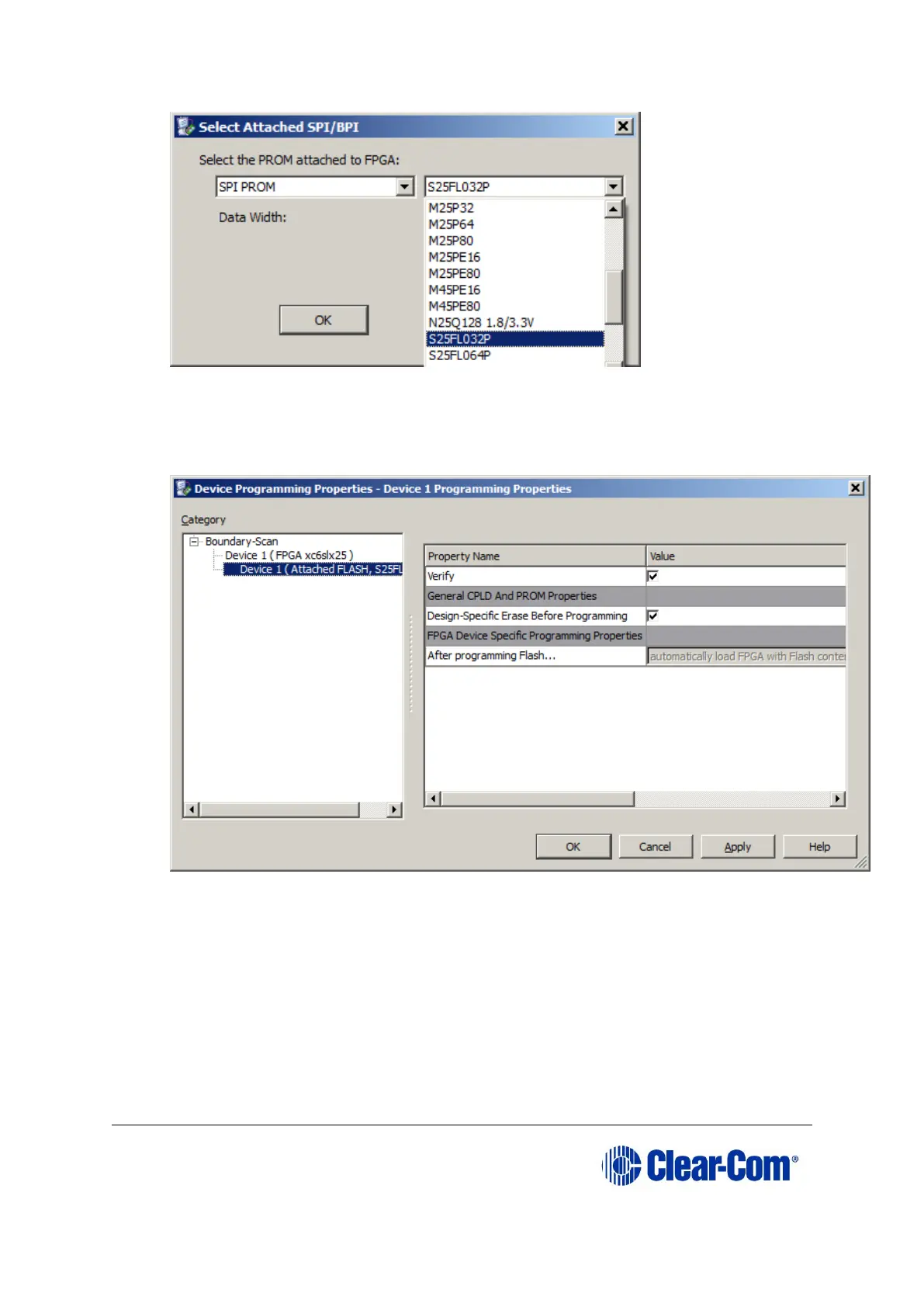
17. Right click on the "SPI/BPI" device, it should show GREEN with the word "FLASH".
Select "Program"
18. Pop up "Device Programming Properties" window, select "Device1(Attached Flash,
S25FL032P), then click "OK".
19. Pop up "Executing command....." to show the progress.
20. On success, pop up "Program Suceeded" is shown.



 To Next Page