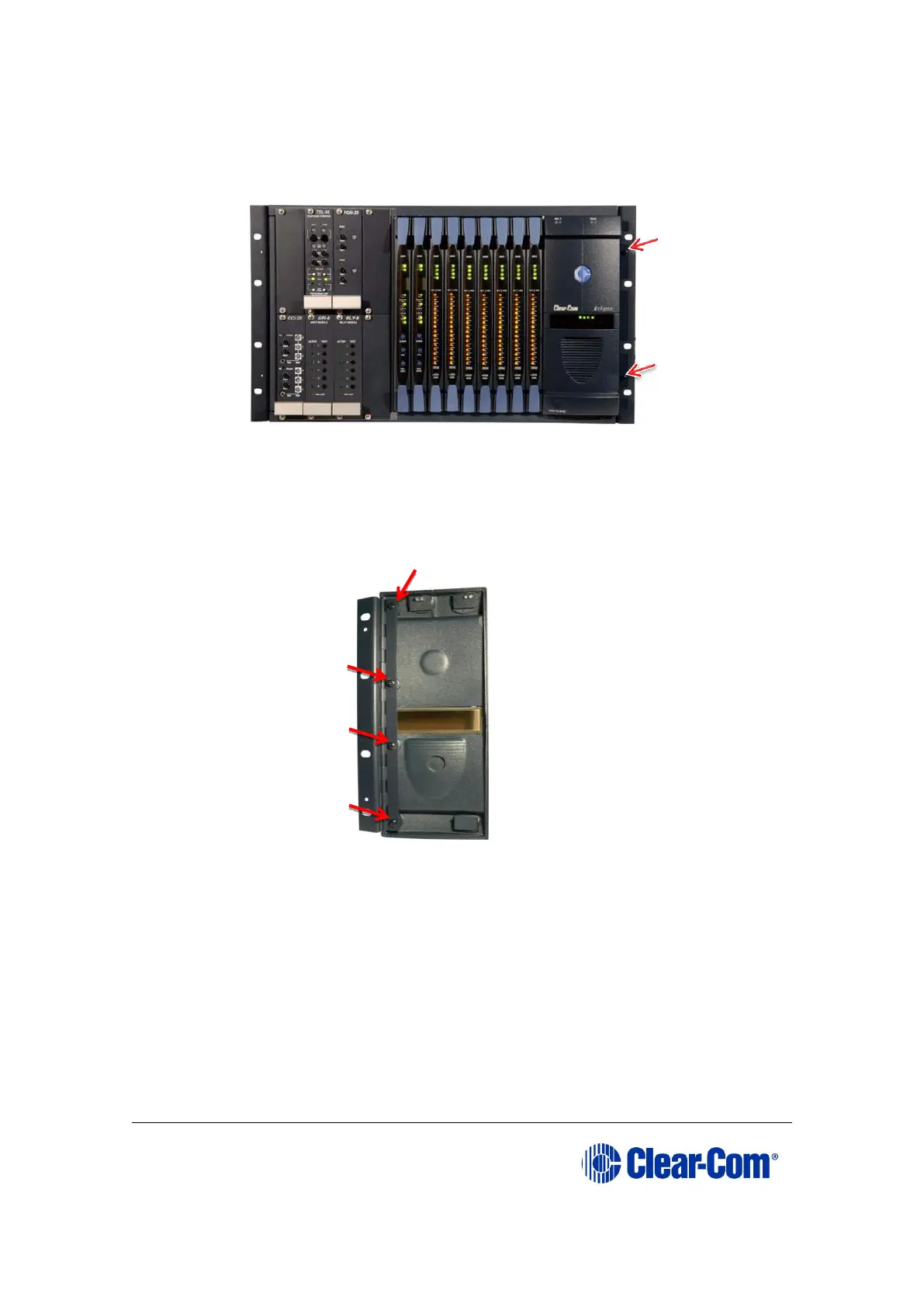
1) Remove the two screws securing the Eclipse door (and hinge) unit to the
Eclipse matrix. Retain the screws.
Figure 2-1: Screws securing the Eclipse door (and
hinge) unit
2) Remove the four screws securing the hinge to the existing door unit. Retain
the screws.
Figure 2-2: Removing the screws securing the hinge to
the Eclipse door
3) Use the four screws retained in Step 2 to secure the hinge to the new
Eclipse HX door unit.



 To Next Page