c. Select the FPGA image for the fourth device, the networking FPGA Flash.
Go to Drivers USB > ECLIPSE DRIVERS > Omega-Median-Delta > xxxxxx-Fibre
Networking (rear) FPGA
(where xxxxxx represents the product number).
The folder contains the FPGA file (*.mcs format) and a Read Me file (*.txt), which
contains version information.
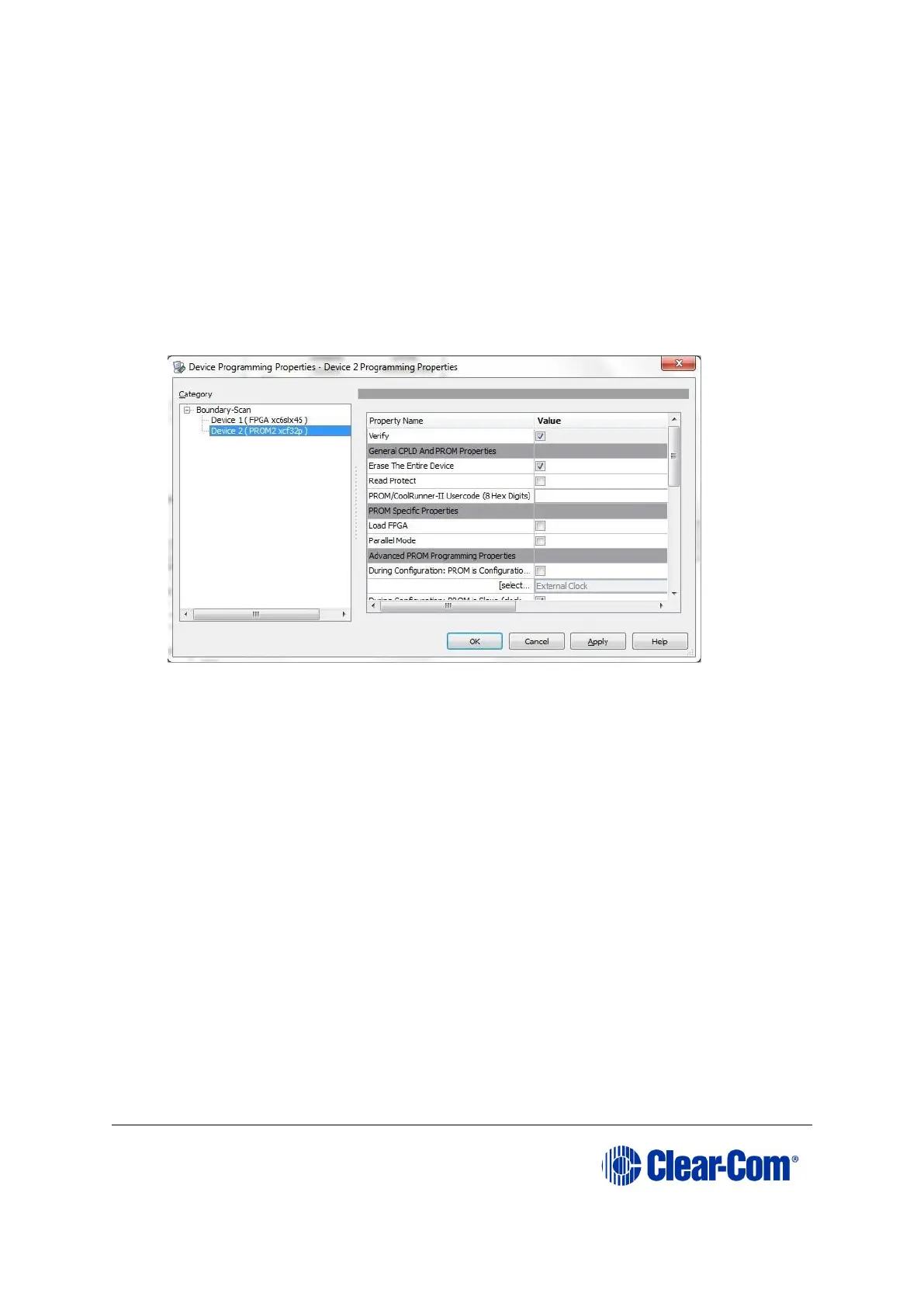
9. A summary dialog is presented. For the FPGA Flash device(s), ensure that the
Erase Before Programming and Verify flags are set. Click OK.
Figure 8-2: Example Xilinx device programming properties
10. The upgrade (programming) starts, and takes approximately 2 minutes to
complete. When the upgrade is complete, the Program Succeeded message is
displayed in the main window.
11. Power down the UUT.



 To Next Page