0 msec/char. If the E-QUE card fails to load correctly,
change this value to 50ms.
Table 9-2: Tera Term port settings
9. Set the IP address of your PC to a fixed / static address (any IP address of your choice is
suitable).
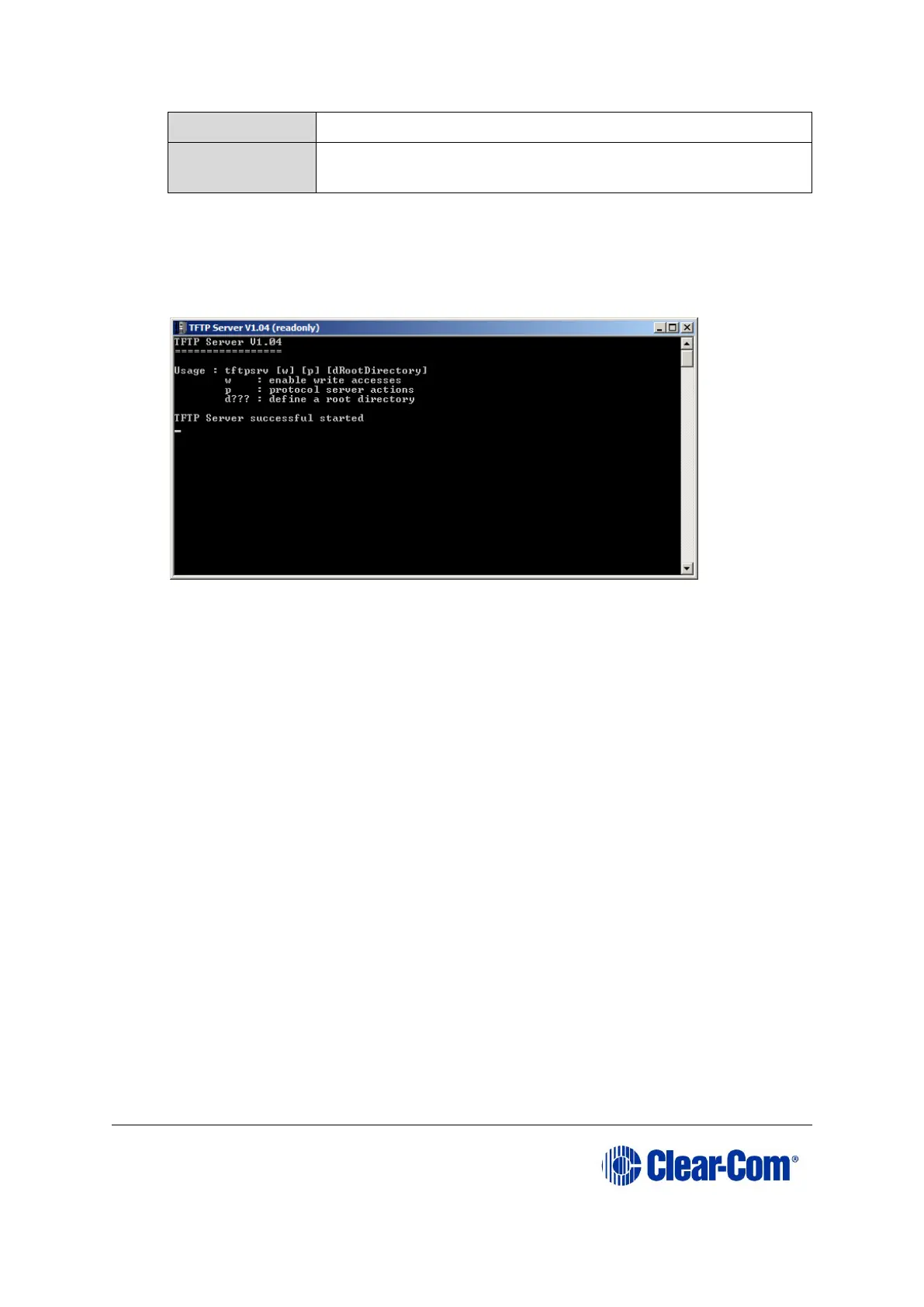
10. Navigate to the c:\tftp directory. To open the TFTP Server command window, double click the
application tftpsrv.exe.
Figure 9-6: TFTP Server Window
Note:
The TFTP application can only access files in the same folder as the TFTP application. The
E-QUE firmware file must be in the same directory as the tftpsrv.exe program.
11. Connect the MVX serial cable (CAB-MVX-48Z) between the PC serial port and the E-QUE
card CON-200.
Reinsert the E-QUE card into the rack.



 To Next Page