EasyManua.ls Logo

Clear-Com Eclipse HX series - Page 132

Clear-Com Eclipse HX series
230 pages
Print Icon
To Next Page IconTo Next Page
To Previous Page IconTo Previous Page
Loading...
Eclipse | Upgrade Guide
Page 132
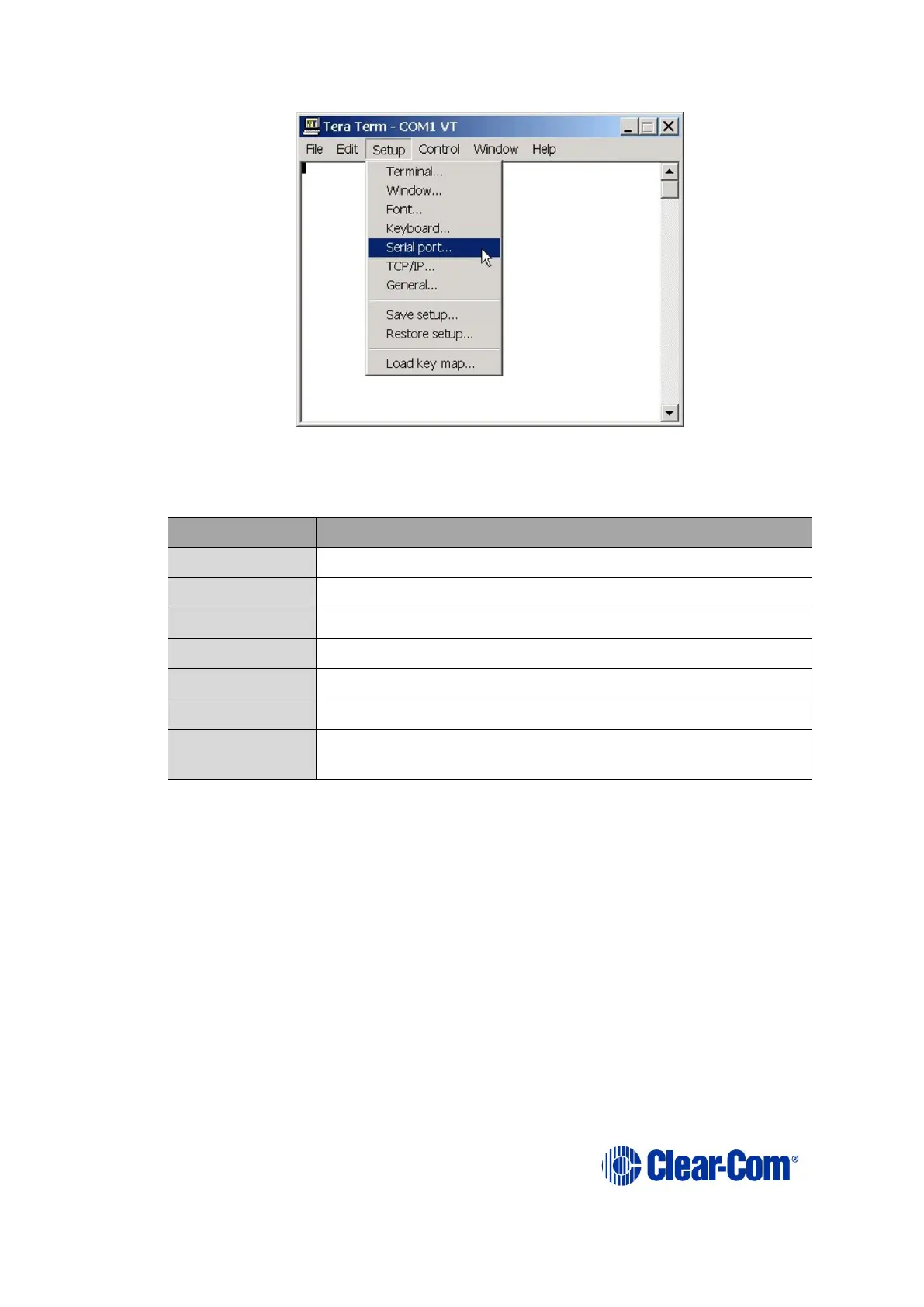
Figure 9-10: Tera Term: selecting Serial Port
8. In the Serial port configuration dialog, enter the following settings:
Port setting
Setting to enter
Port
COM1 (Change to match a COM port present on the PC)
Baud rate
115200
Data
8 bit
Parity
None
Stop
1 bit
Flow control
none
Transmit delay
0 msec/char. If the E-QUE card fails to load correctly,
change this value to 50ms.
Table 9-4: Tera Term port settings
9. Set the IP address of your PC to a fixed / static address (any IP address of your choice is
suitable).
10. Navigate to the c:\tftp directory. To open the TFTP Server command window, double click the
application tftpsrv.exe.

Table of Contents

Related product manuals