• An installed Tera Term application.
• A paperclip or small flat blade screwdriver to access maintenance button
on the rear of the i-Station panel.
Tera Term uses a special file with the updated i-Station or E-station application code,
instead of an *.fwp file. The file has an *.s19 file extension and the specific files can be
found on the software USB:
• Software USB > SOFTWARE - EHX.xxx > Panel Software > i-Station > xxxxxx-i-Station
App
• Software USB > SOFTWARE - EHX.xxx > Panel Software > E-Station > xxxxxx-E-Station
App
Where xxxxxx represents the product number.
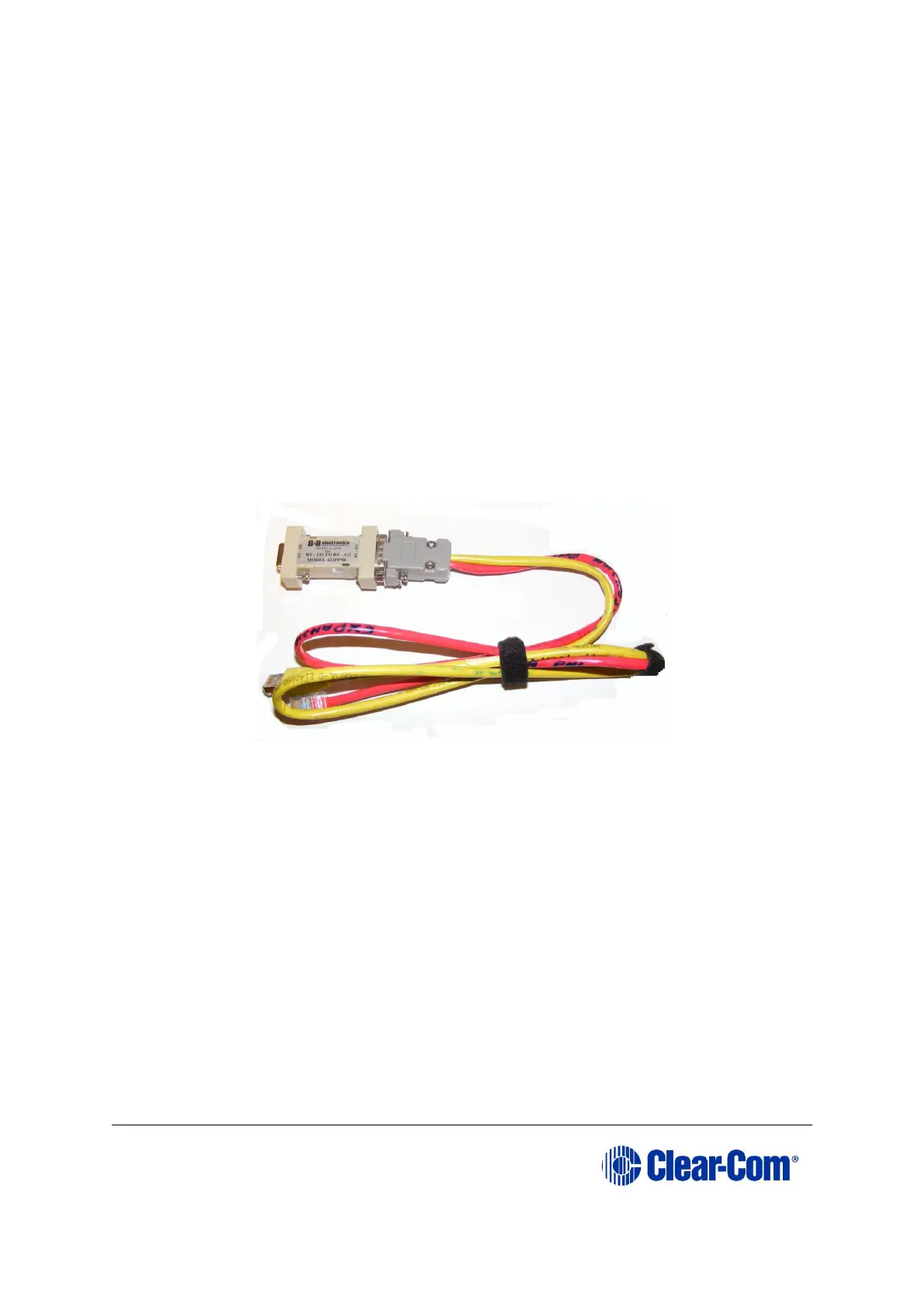
The convertor cable connects from a serial port on the PC, routes through an RS-232
to RS-422 adapter and connects to the expansion out RJ-45 port and the i-Station or the
expansion in RJ-45 port of the E-Station using separate CAT5 cables.
Figure 14-1: Example converter cable
Figure 14-2 shows an example wiring scheme for serial programming an i-Station
panel:



 To Next Page